神秘的で高潔な天界のバルキリー、長い銀髪と輝く鎧をまとい、聖なる槍を手にした気高く美しい女性が地上へ舞い降りる瞬間、雨が降り注ぐ中、荘厳で神聖なオーラを放ちながらバルハラから誘われ落ちてくる幻想的な姿
Grok Imagine AI - Create StunningShort Videos from Any Text or Image
Create AI images and turn text or images into short videos with Grok Imagine AI. Explore image editing and Grok Spicy Mode for creative ads and social shorts on our independent platform. Grok Imagine AI is not affiliated with or endorsed by xAI.
Community prompts
Grok Imagine Video Inspiration
Explore community video prompts, preview the results, and use a prompt as a starting point for your next creation.
New
Grok Image 2.0
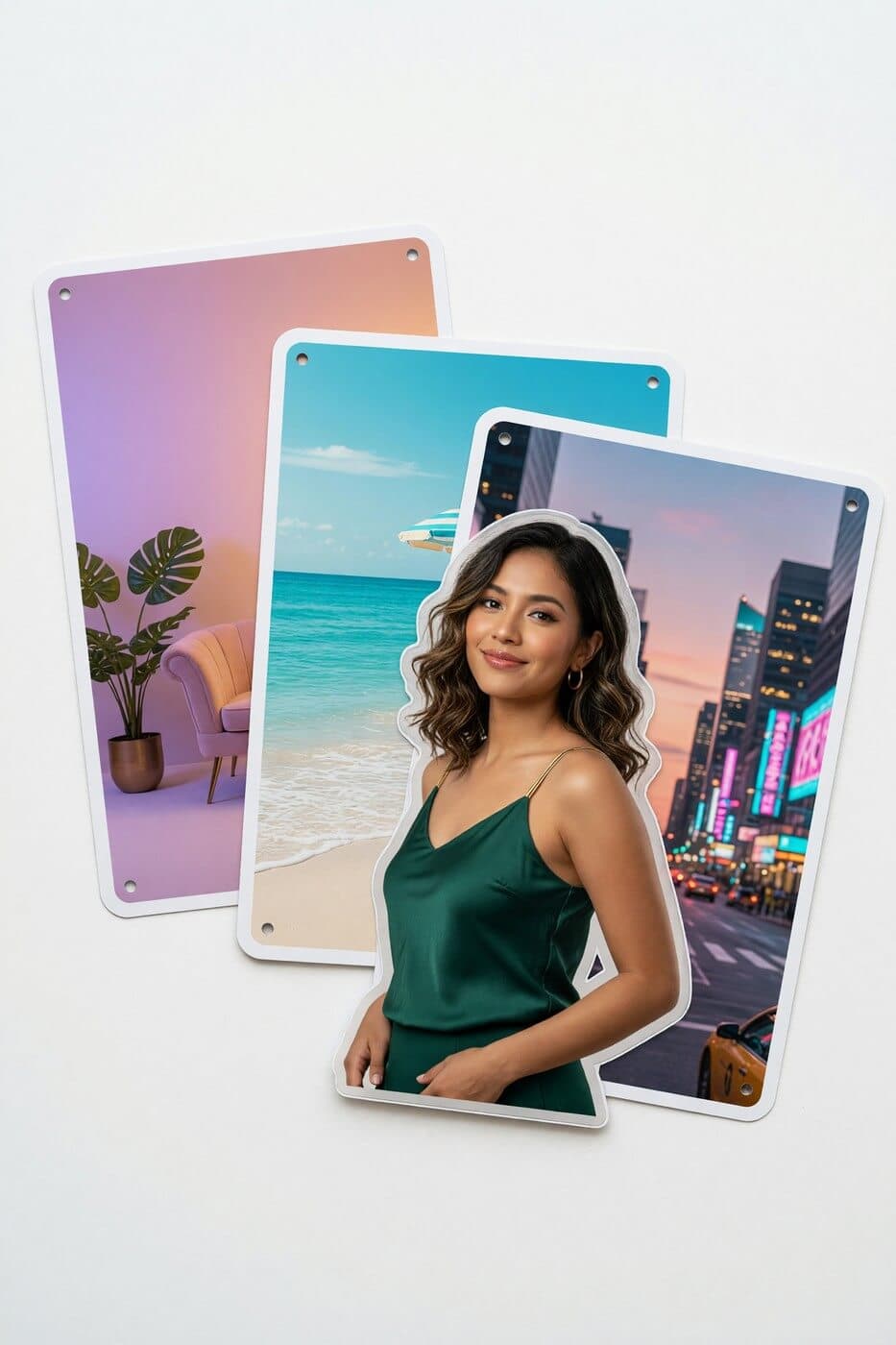
Create and edit visuals from prompts or reference photos. Generate, revise, restyle, and compare directions in one workflow, with output up to 2K.
Explore more tools
More ways to create with Grok Imagine
Jump into focused generators for image-to-video and high-quality AI image creation.
Image to video
Grok Imagine 1.5
Animate a still image into a short AI video with prompt-guided motion.
AI image
Grok Imagine Image Quality
Generate, edit, and refine higher-quality AI images from simple prompts.
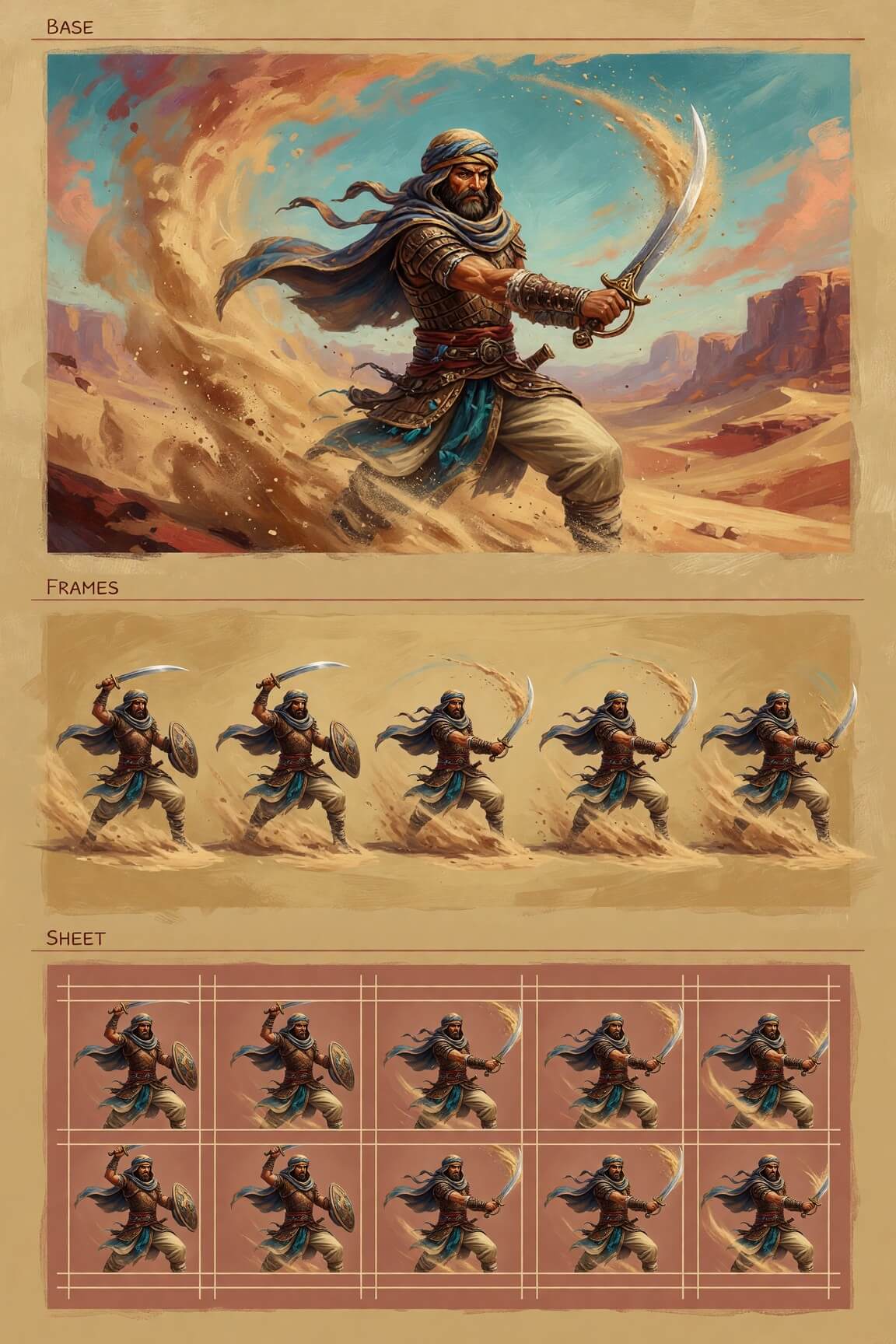
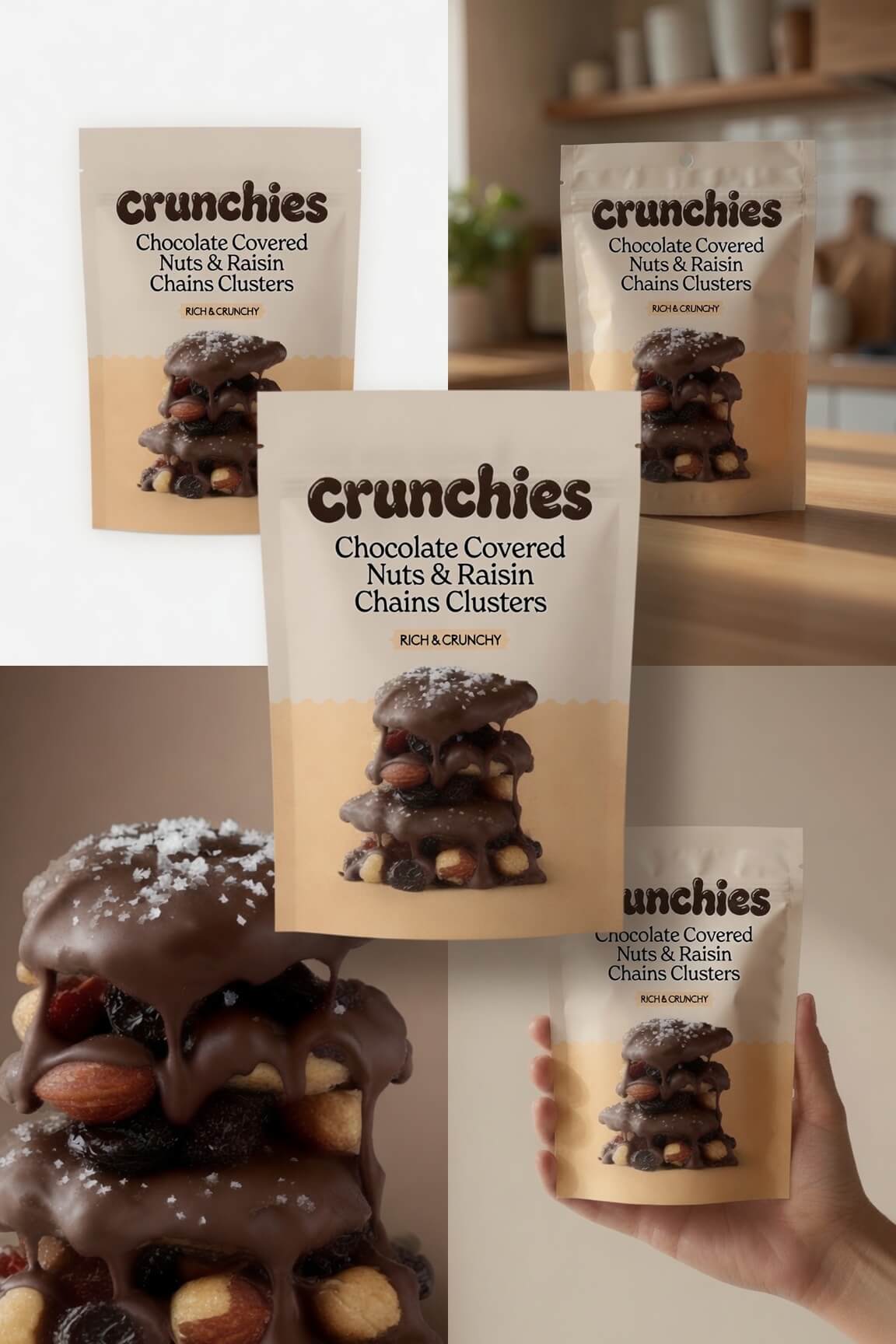
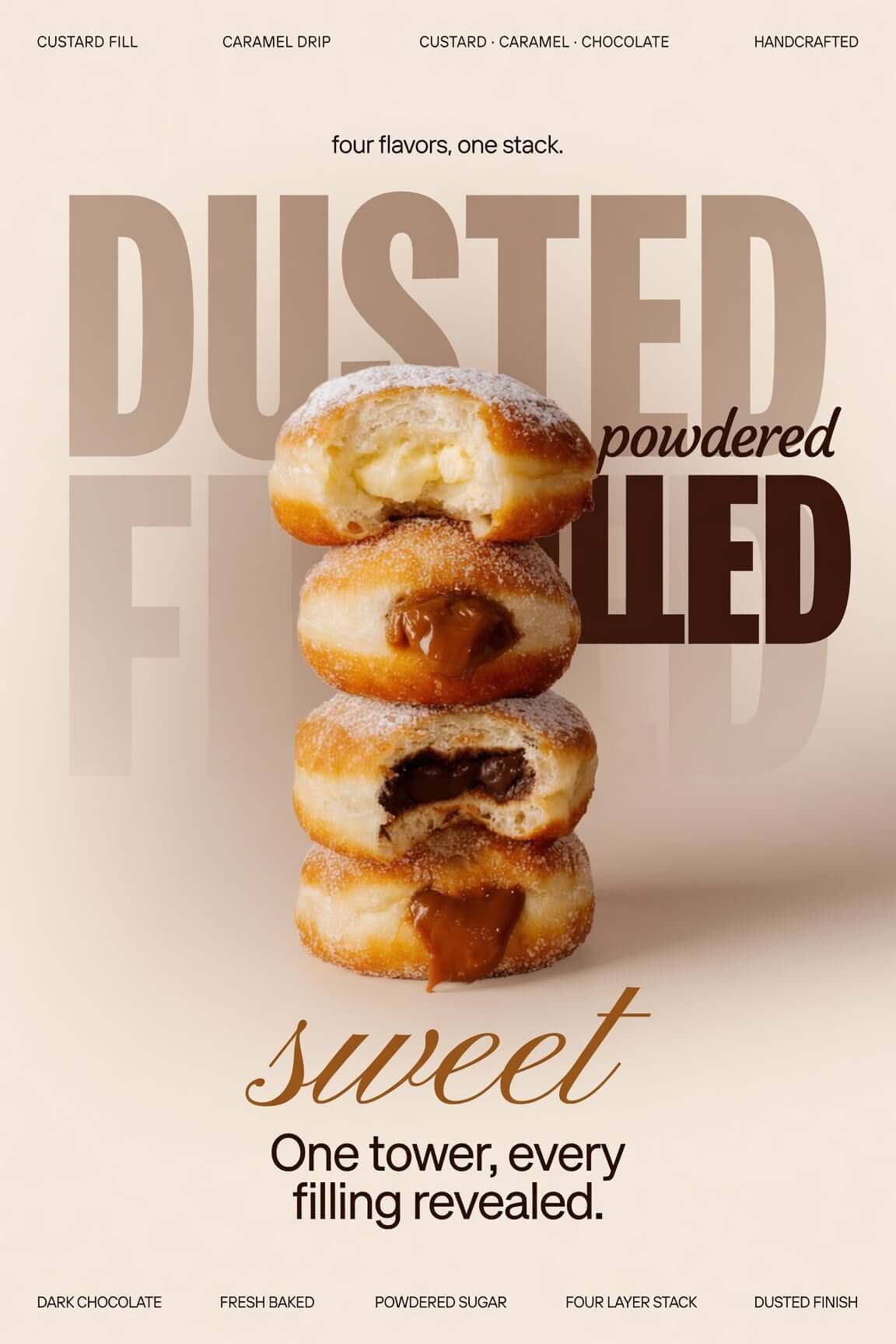

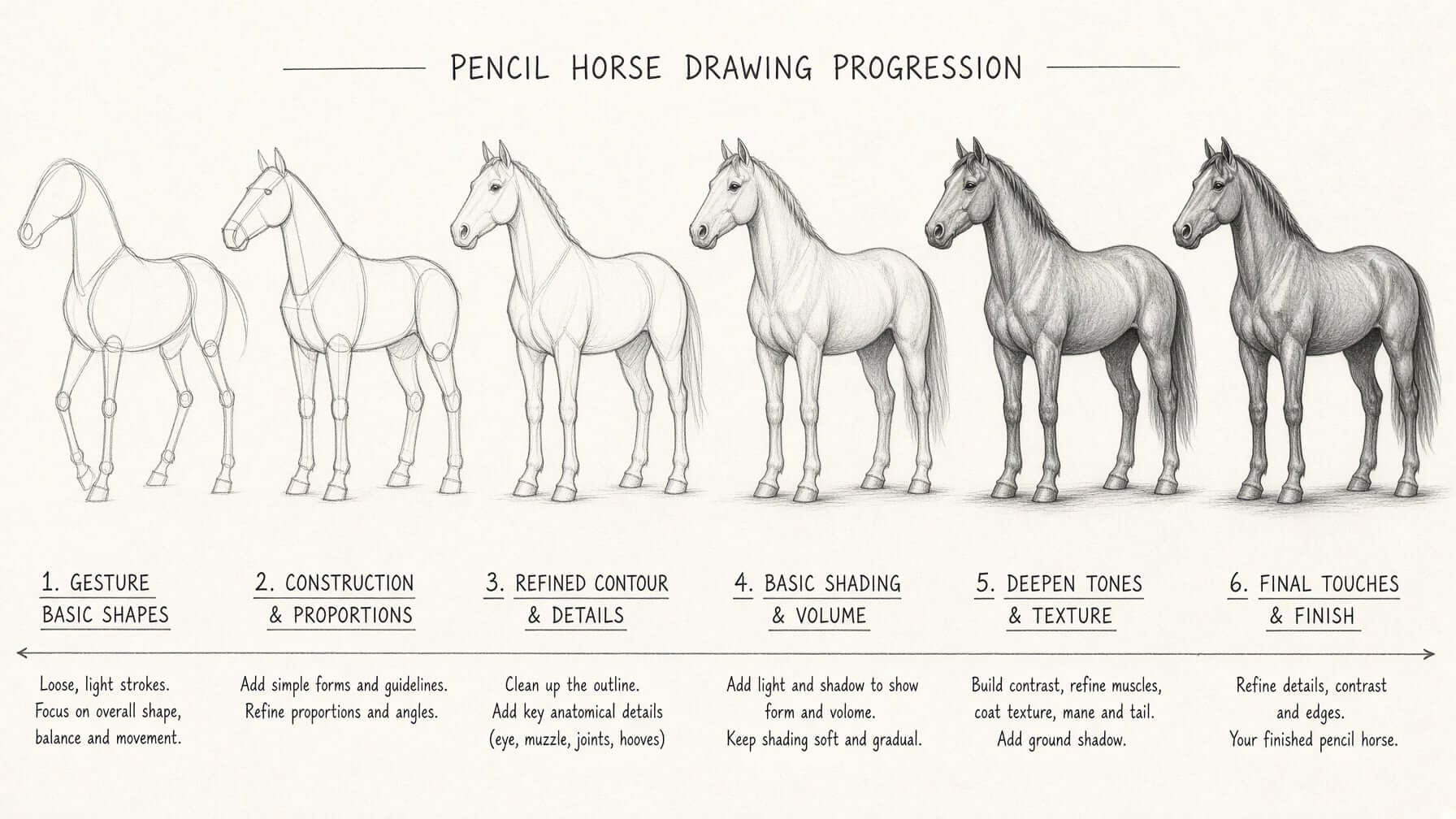
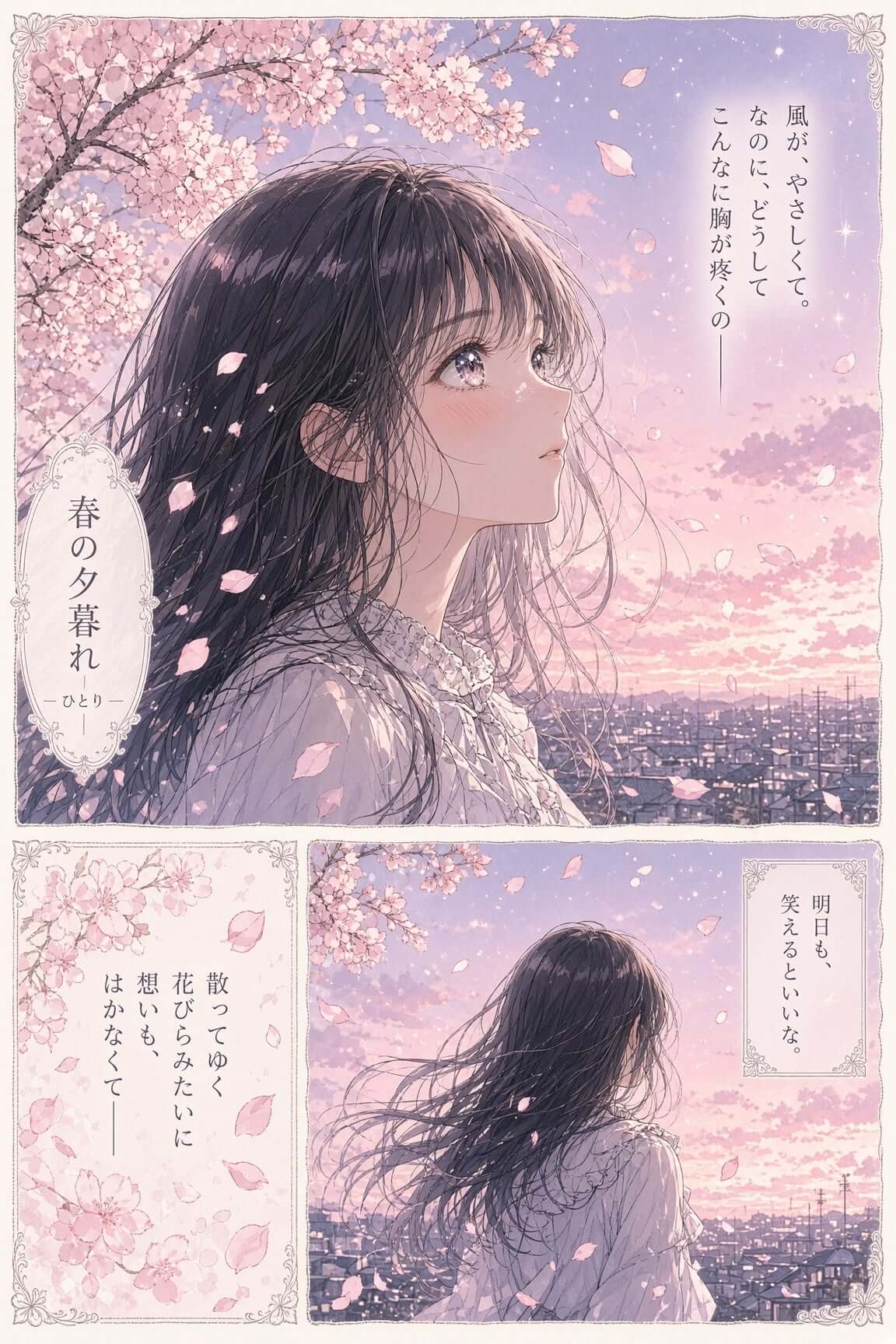
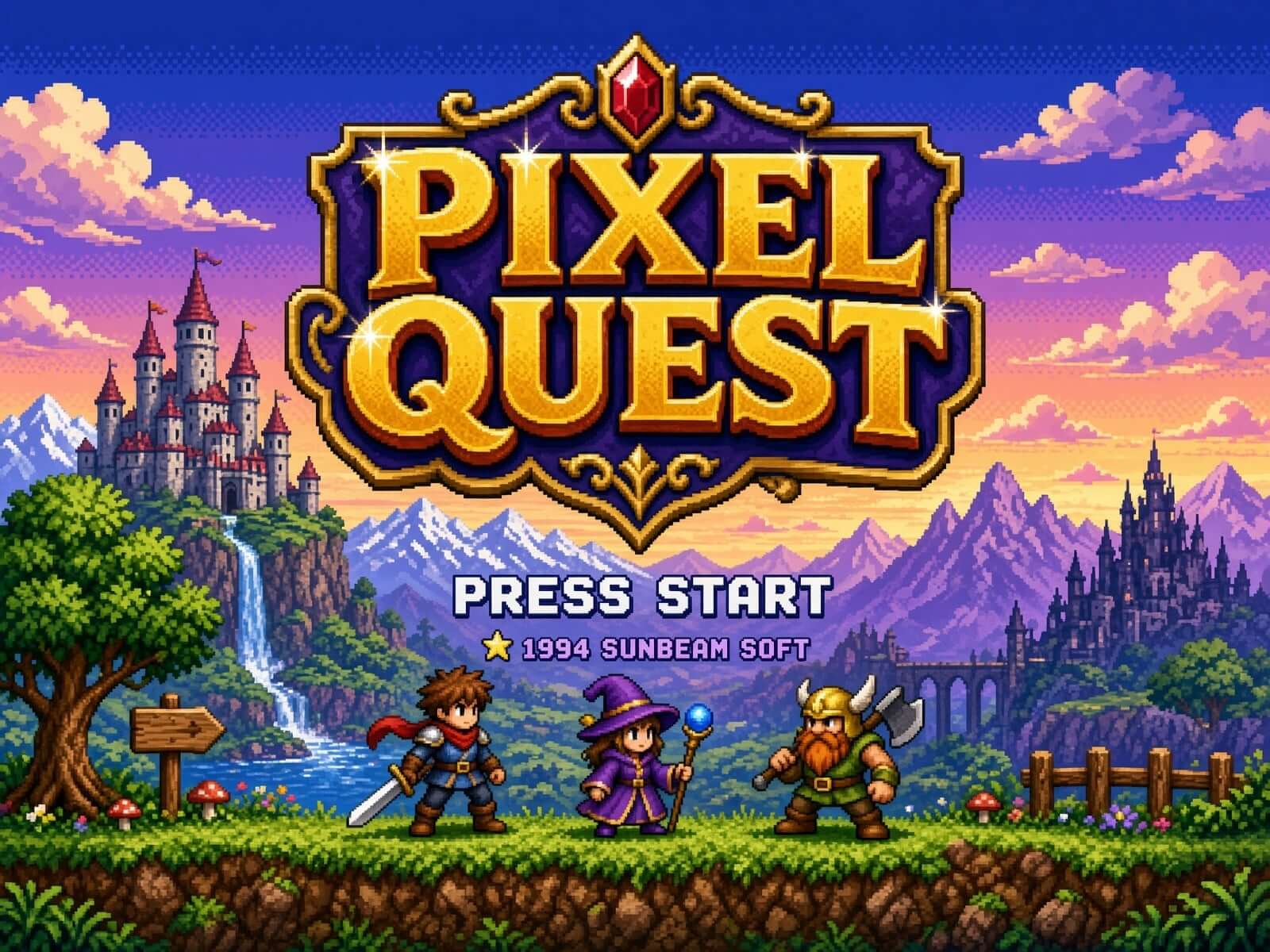
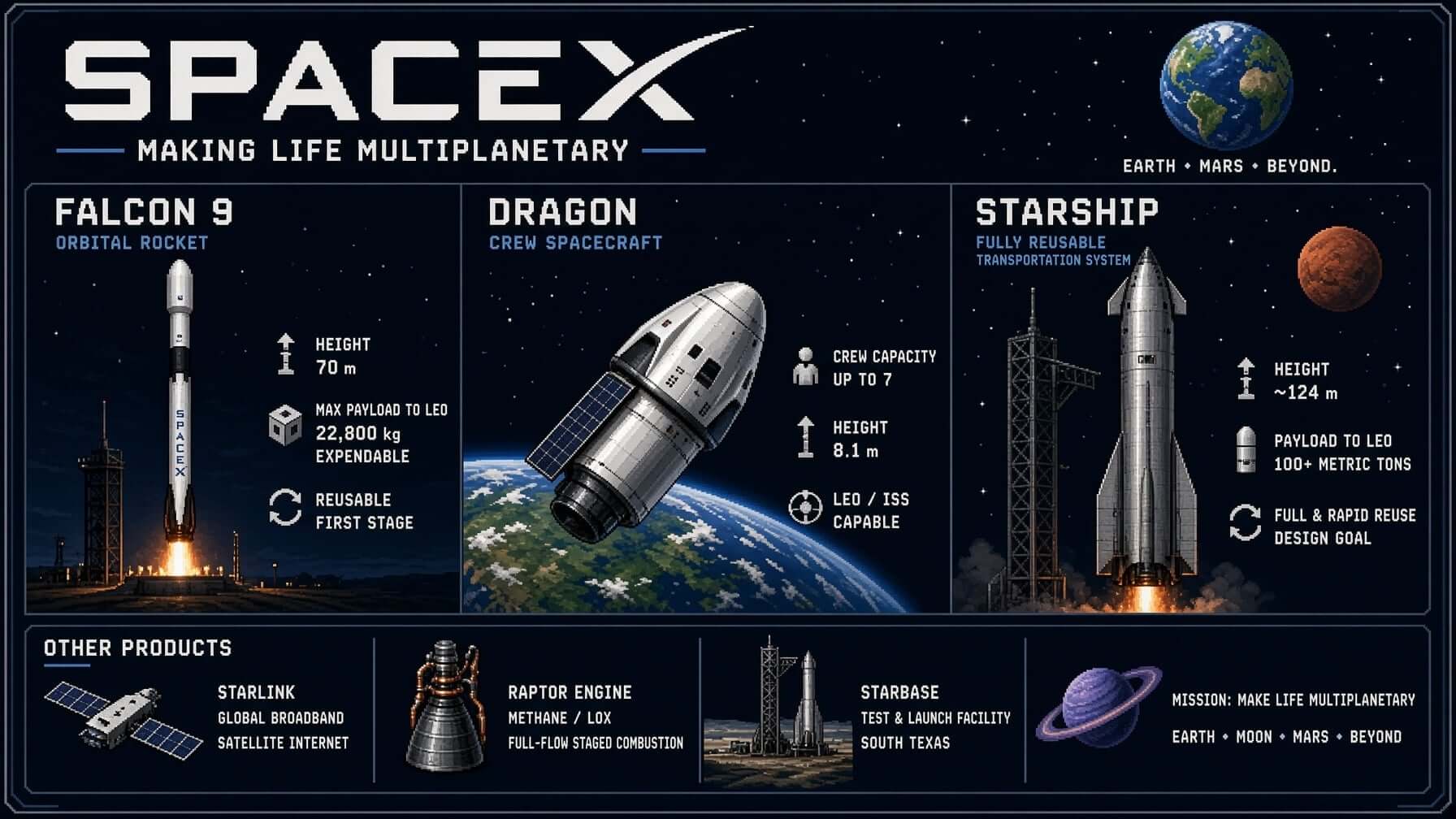
Three steps. One creative flow.
How to Use Grok Imagine
Grok Imagine Getting Started: Create short videos in 3 simple steps on our independent image and video creation platform.
01
Choose Your Creation Mode
Open the video studio, choose a model, and select a supported text-to-video or image-to-video mode.
02
Input Your Prompt
Enter detailed text prompts or upload an image. Grok Imagine interprets your idea and animates it into a short video.
03
Generate & Download
Review the settings and displayed credit cost, generate, then inspect and download the result. Audio availability depends on the selected model.
Master how to use Grok Imagine with our comprehensive Getting Started guide
Start Using Grok Imagine NowBuilt for creative velocity
Grok Imagine Advantages
Grok Imagine and Grok spicy bring powerful AI video creation to everyone — fast, photorealistic, and creative.
Core capability · 01
Text/Image to Video in One Click
Enter a sentence or upload an image to get an animated short with sound.
Core capability · 02
Photorealistic Rendering
Create visuals with detailed textures and natural lighting.
03
Creative Styles & Effects
Switch between realistic and artistic looks.
04
"Spicy Mode" Option
Create bolder content within safe boundaries.
05
Fast Output
Choose the duration supported by your model. Processing time varies with the request and service load.
06
Versatile Use Cases
Marketing, social media, e-commerce, entertainment.
Choose a workflow before spending credits
Your account, credit balance, purchases, and support belong to this independent website. Choose a workflow first, then review its settings and cost.
Start from text or an image
Use the video studio for supported text, image, and reference workflows. For still images, choose an image model in the creator. To change an existing photo, open Image to Image and upload your source. Available controls differ by model.
Choose an image workflow
Text to Image starts from a prompt. Image to Image changes an uploaded source. The dedicated Quality tool adds its own model, reference-image input, resolution, aspect ratio, and format controls. Compare generated faces, lettering, and product details before publishing; the Quality label is not a guarantee of accuracy.
Check the cost for your settings
The Grok Imagine 1.5 page estimates 2 credits per second at 480p and 4 at 720p. A 5-second 720p request therefore estimates 20 credits. Reference mode adds 1 credit. Other tools use different rates: check the amount beside Generate before submitting.
Choose Your Grok Imagine Plan
Buy credits for supported image and video models. Available output settings and credit costs depend on the selected model.
Starter
$10
100 credits
≈ 10 videos at these settings
$0.10 per credit · One-time payment
Credits never expire
- AI image and video generation
- Output settings depend on model
- Usage subject to service and model terms
- Downloads included
- Email support
Most Popular · Save 9%
Basic
$30
330 credits
≈ 33 videos at these settings
$0.09 per credit · One-time payment
Credits never expire
- AI image and video generation
- Output settings depend on model
- Usage subject to service and model terms
- Downloads included
- Email support
Save 18%
Professional
$99
1,211 credits
≈ 121 videos at these settings
$0.08 per credit · One-time payment
Credits never expire
- AI image and video generation
- Output settings depend on model
- Usage subject to service and model terms
- Downloads included
- Email support
Request within 7 days: full refund if no more than 10% of purchased credits are used; otherwise, unused credits only. No refunds after 7 days. Bonus credits, taxes and processing or currency conversion fees are excluded. Read the refund policy.
Estimates use Grok Imagine 1.5, prompt to video, 5 seconds, 480p (10 credits per generation). Actual usage varies by settings and reference media.
Refund eligibilityRequest within 7 days; eligibility depends on credits used.
Secure PaymentPowered by Stripe
Email supportContact support@grokimagineai.net
FAQ
Get answers about Grok Imagine and Grok spicy, including models, timing, content policy, and commercial use.
Answer to What can you create with Grok Imagine?
Grok Imagine generates images from text and short videos from a prompt or an uploaded image. You can guide the scene, style, and motion with words, then develop a still idea into a moving clip with audio in supported video modes.
Answer to Can I start with text or an image?
Yes. Write a prompt to generate an image or video, or upload an image to use it as the starting point for a video. The generator shows the options available for each mode.
Answer to How long does it take to generate a video?
Generation time varies with the model, settings, and service load. Track the task in the generator; a fixed completion time is not guaranteed.
Answer to What is “Spicy Mode”?
Spicy is a video generation mode offered on Grok Imagine AI. The dedicated page generates from text prompts, with platform content restrictions still applying.
Answer to Can I use the generated content commercially?
Commercial use depends on the applicable model terms and your rights to the inputs. Review our Terms of Service and the selected model’s usage conditions before publishing.