Создай яркий рекламный постер на русском языке о генерации видео с помощью нейросети. Используй четкую типографику, энергичную композицию и современную визуальную иерархию.
AI image creation
Создай яркий рекламный постер на русском языке о генерации видео с помощью нейросети. Используй четкую типографику, энергичную композицию и современную визуальную иерархию.

A playful 3D cartoon of an Indian grandmother in a traditional sari and oversized glasses. A funny alien jumps out of her glowing smartphone while she hides behind the sofa, colorful animation, expressive character design, 8K.

Ultra-detailed retro cosmic snack poster with a metallic star-shaped chips package centered near the bottom. Add a theatrical space background, illustrated characters, vintage talk-show energy and bold Russian typography.

Clean editorial illustration of a young woman against a soft beige background, wearing a sculptural dress made entirely from dry golden hay and straw. Minimal composition, tactile fibers, restrained palette and premium magazine styling.

Cinematic ultra-realistic portrait of a man standing face-to-face with a majestic white lion in a snowy forest. He wears a luxurious white fur coat and gently touches the lion, with soft snow, cool atmosphere and dramatic natural light.

Create a charming 3D miniature paper-craft illustration of a city on textured off-white watercolor paper. Arrange iconic landmarks, tiny trees and streets with layered cut-paper depth, delicate shadows and a warm handcrafted travel-poster mood.

Vertical fantasy underwater CG portrait of an ocean elf with long wavy silver hair, shell-shaped headwear and an iridescent tulle gown decorated with pearls. Surround her with drifting bubbles, soft caustic light and deep aquatic color.

Hyper-realistic 8K close-up portrait of a woman with wind-swept brown hair. A sharp diagonal beam of natural light illuminates her eyes, cheekbone and glossy lips while the remaining face falls into deep cinematic shadow.
This page opens the dedicated Grok Image Quality model. Describe a new scene or upload a reference and describe the change you want. The current model configuration offers 1K and 2K options, aspect ratios, and JPEG or PNG output; the form displays 2 credits for 1K and 3 for 2K.
Quality is the name of this model option, not a guarantee that it will outperform another model for every prompt. Check faces, lettering, product details, and reference consistency before publishing.
Strong prompts still help. Name the subject, setting, style, lighting, mood, color direction, and intended use. For example: "A premium skincare bottle on a clean bathroom counter, soft morning light, elegant lifestyle photography, minimal background." Grok Imagine Image Quality can turn that brief into a solid first frame to refine.
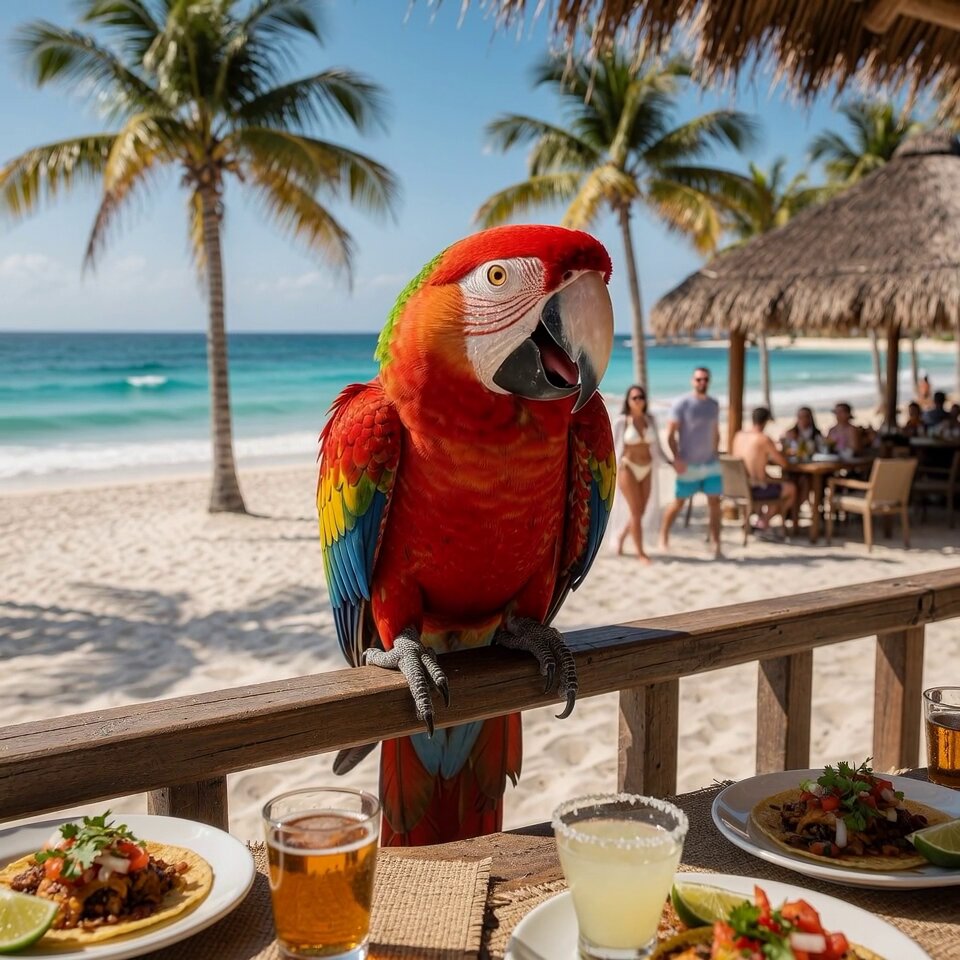
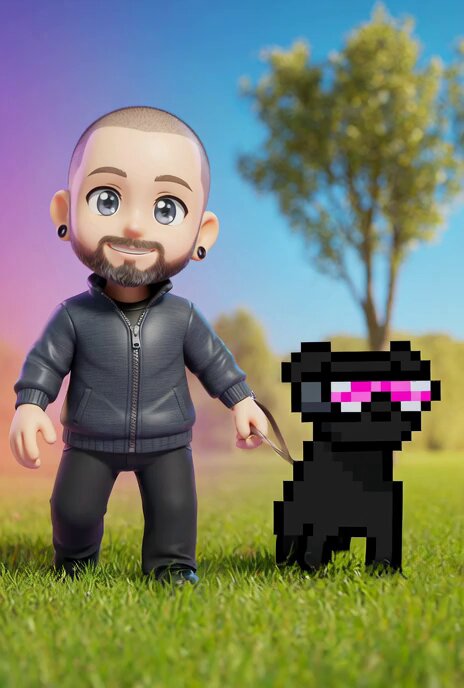
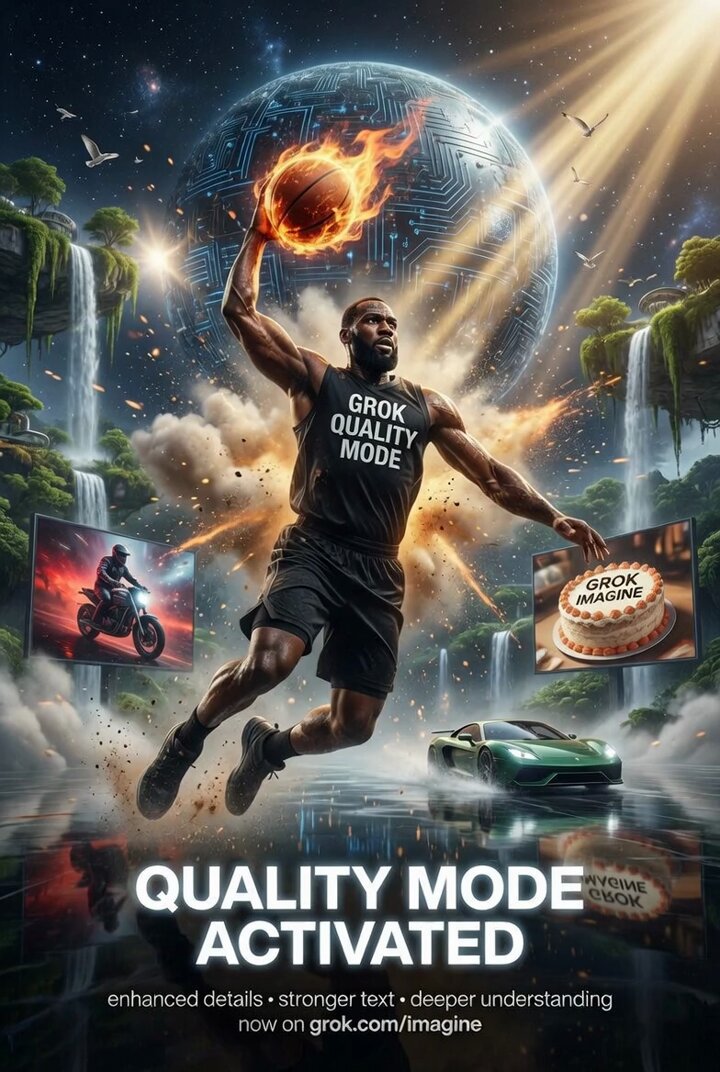
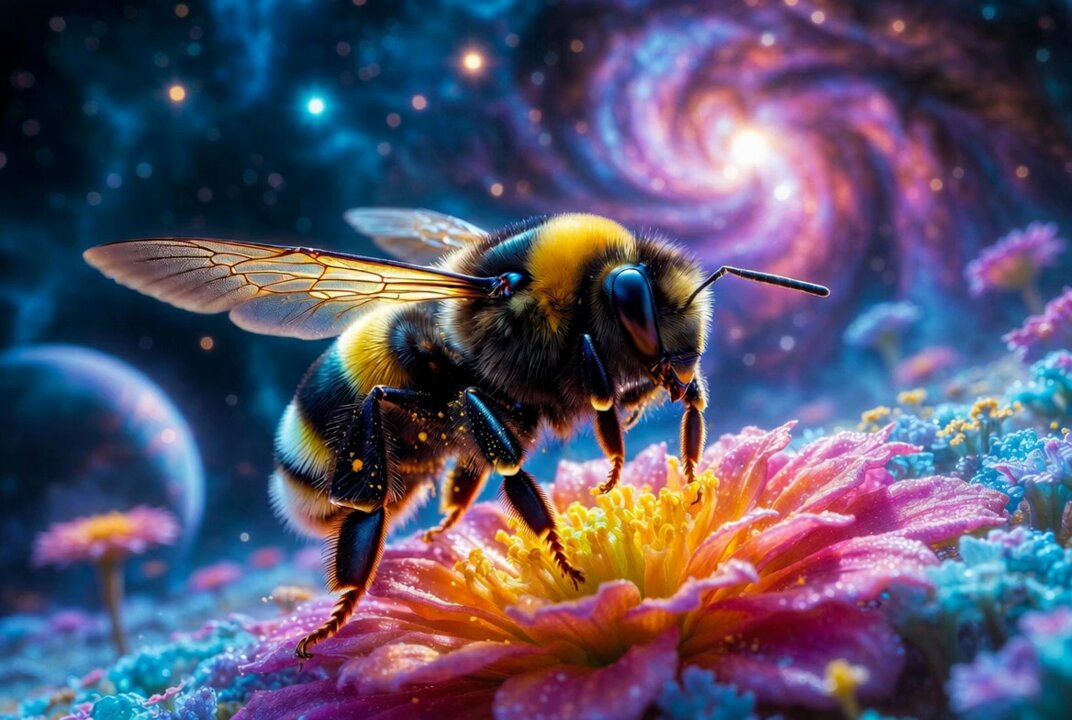
Real outputs generated with Grok Imagine Quality. Prompts shown.
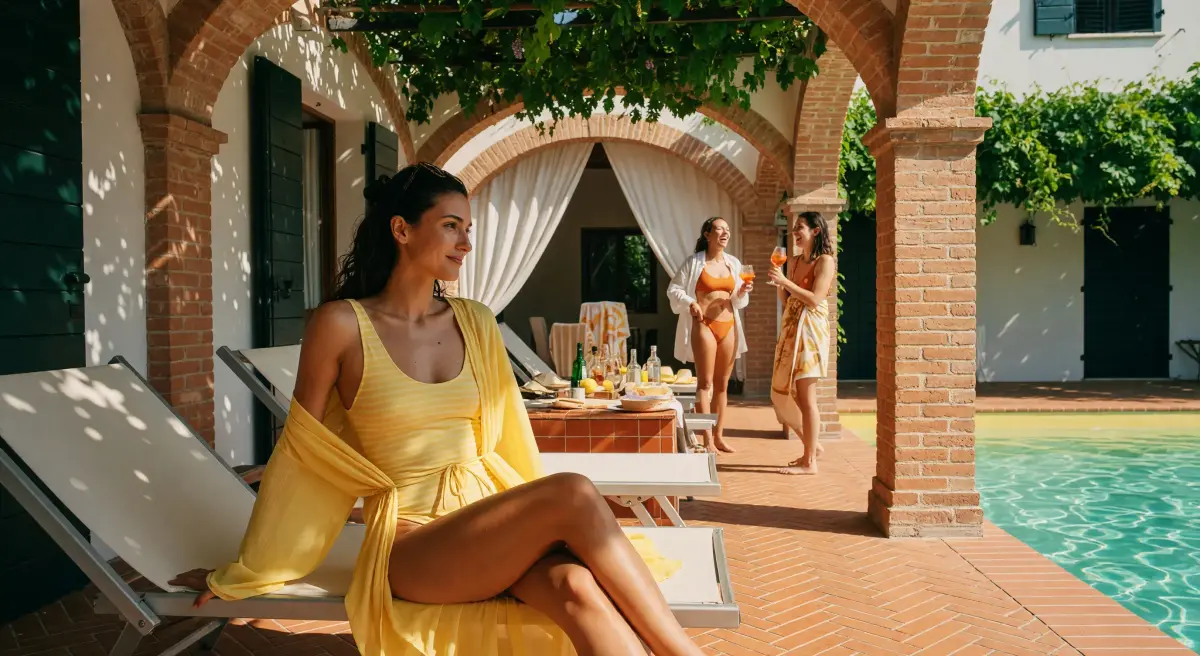
Describe the subject, style, lighting, and composition you want. Inspect text, fine details, and recognizable objects in the result before using it; prompt instructions do not guarantee exact reproduction.
Upload a reference image and describe the change you want. Compare the result with your reference for composition, identity, and details that should remain unchanged.
Choose the 1K or 2K setting in the form and review its displayed credit cost. Check the downloaded file dimensions and detail quality before choosing an output for publication.
Choose square, landscape, portrait, ultrawide, or vertical aspect ratios so exports line up with the surface you are designing for—from feed cards and Stories to widescreen landing headers.
Create photorealistic product renders that match your brand. Generate hero images, social assets, icons, and ad variations at scale.
Prompt
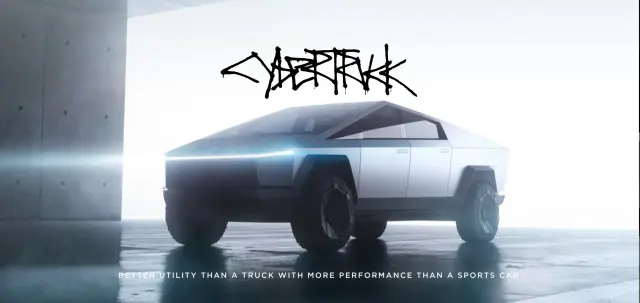
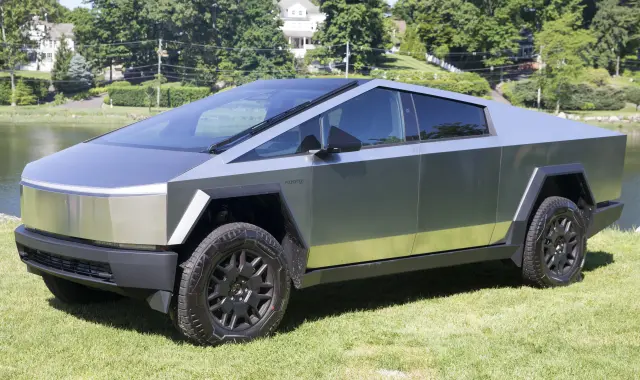
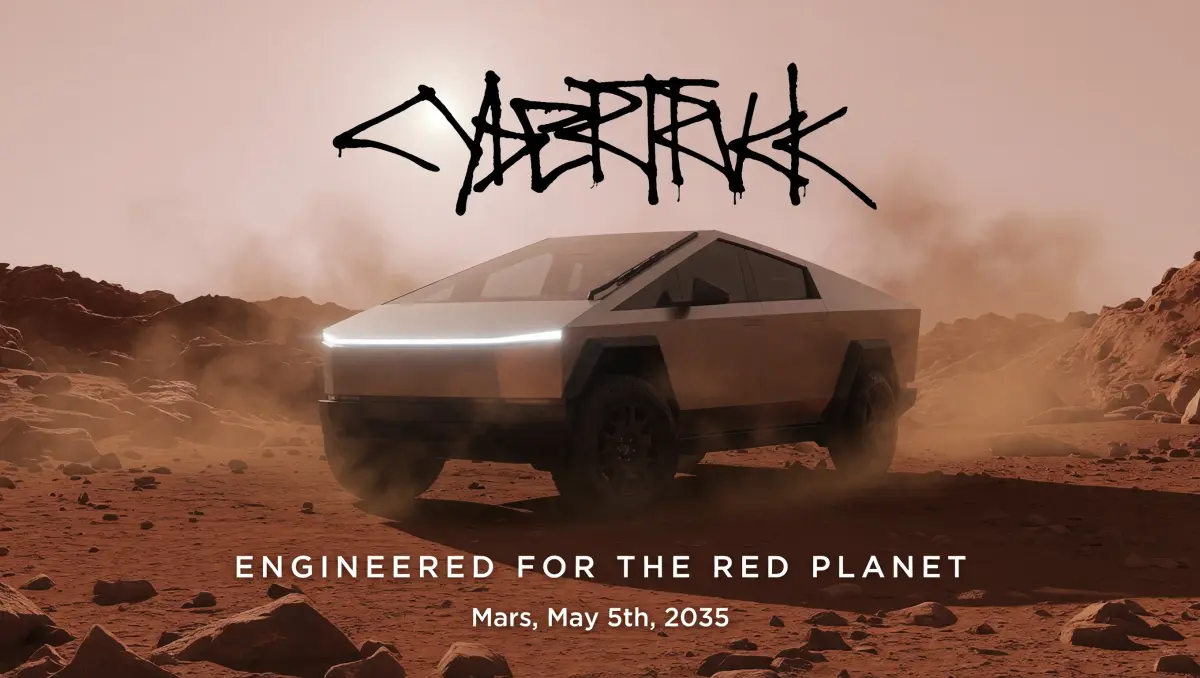
Create an event ad for the Cybertruck in the first image. Maintain the same brand style as image 2 but make it Mars themed. Change the tagline to something different but maintain the tagline placement. Add the date and location of the event under the tagline: Mars, May 5th, 2035.
Reference
Output
Visualize what you're thinking and share it with the team.
Prompt
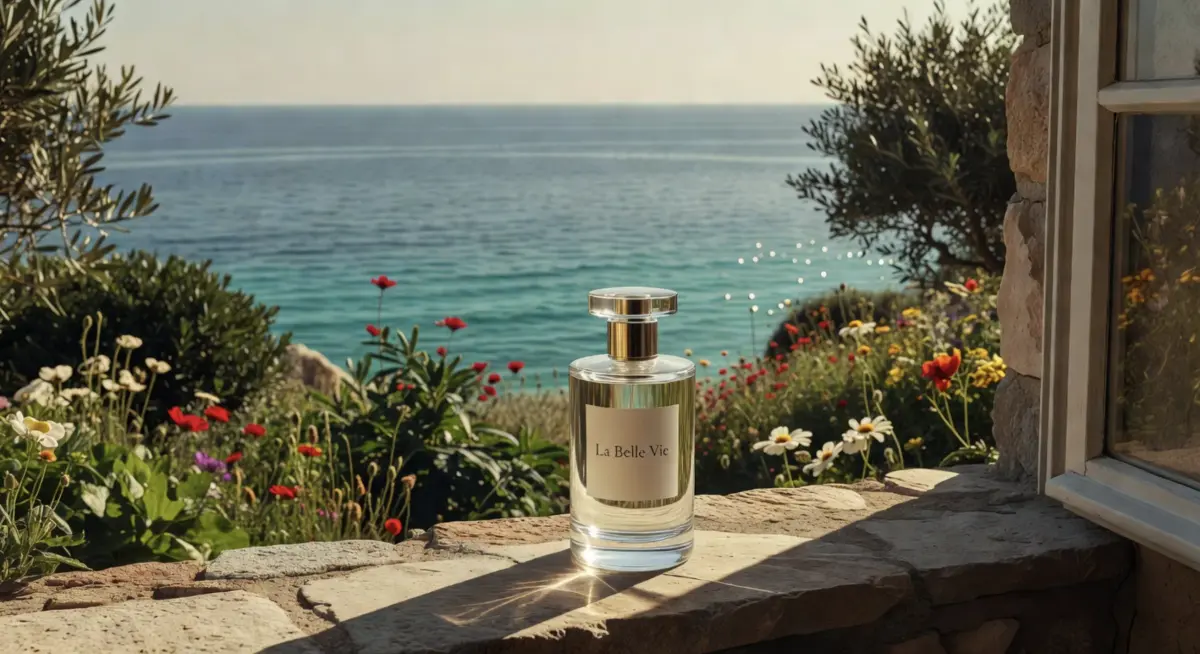
A small perfume bottle with a minimalist label that says "La Belle Vie", glass luxury perfume bottle with glass cap, standing on a stone villa window overlooking the ocean in warm sunlight, with Mediterranean retro-leisure aesthetic, green and brown hues against an expansive sea and wild flowers backdrop with hues of dark green, muted reds, vibrant greens, blues, pale yellows and natural retro film colors, light reflections cast from the bottle onto the stone, magazine style photo, quiet luxury aesthetic
Output
Handheld framing, natural light, and imperfect details that read like real creator posts—built for Reels, TikTok, and social proof.
Prompt
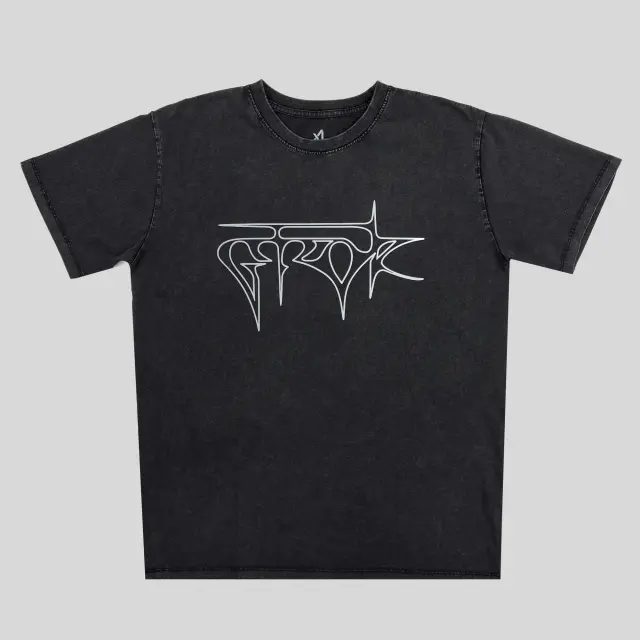
Full body composition, photorealistic portrait of a 25-year-old woman with long hair, natural realistic skin with visible pores and skin texture, streetwear vibe, wearing this exact black t-shirt with the precise white graphic logo from the reference image, fitted not oversized, black pants and all-black shoes, standing in confident pose with hand on hip, plain white seamless background, natural studio lighting, ultra realistic, high resolution, detailed
Reference
Output
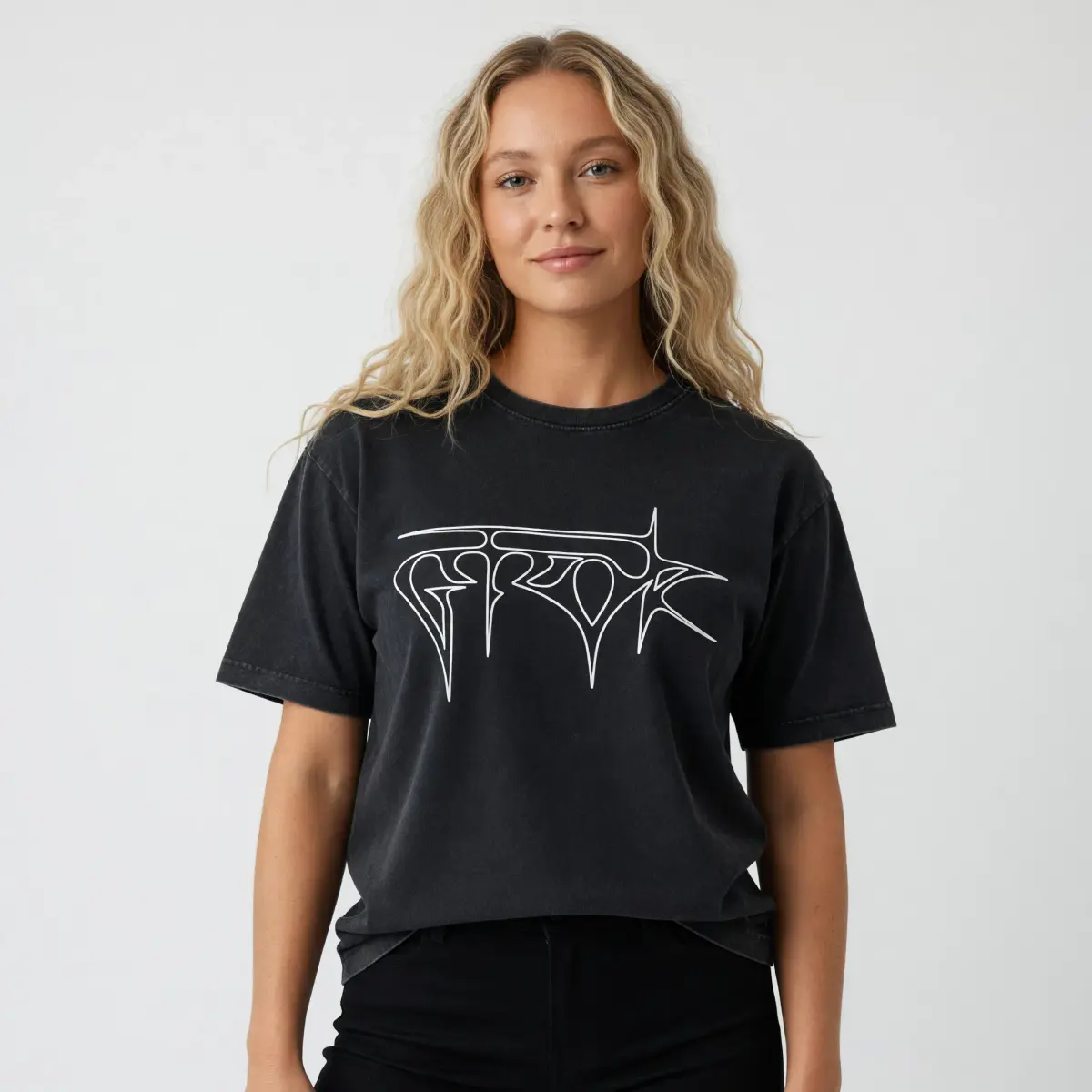
Better grasp of scenes, scale, and relationships in your prompt—so backgrounds, props, and subjects stay coherent instead of drifting.
Prompt
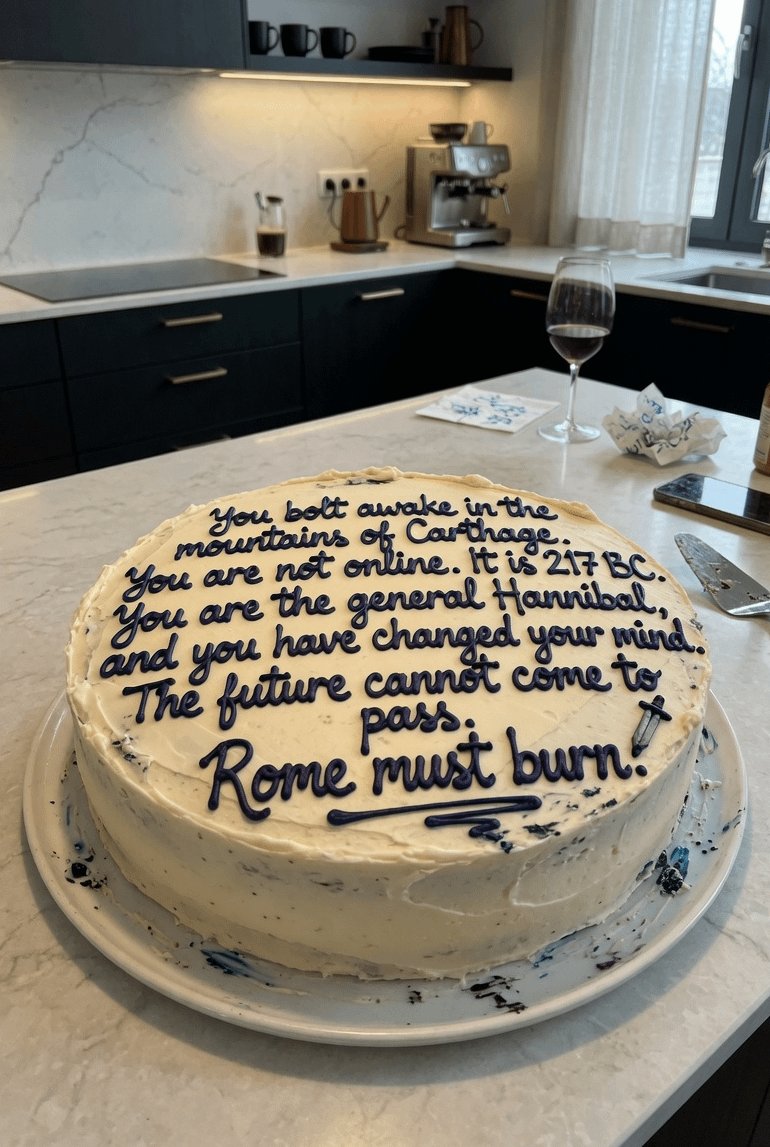
Picture of a white frosted cake with a message on it in red frosting explaining in a nutshell who Alexander the Great is.
Output
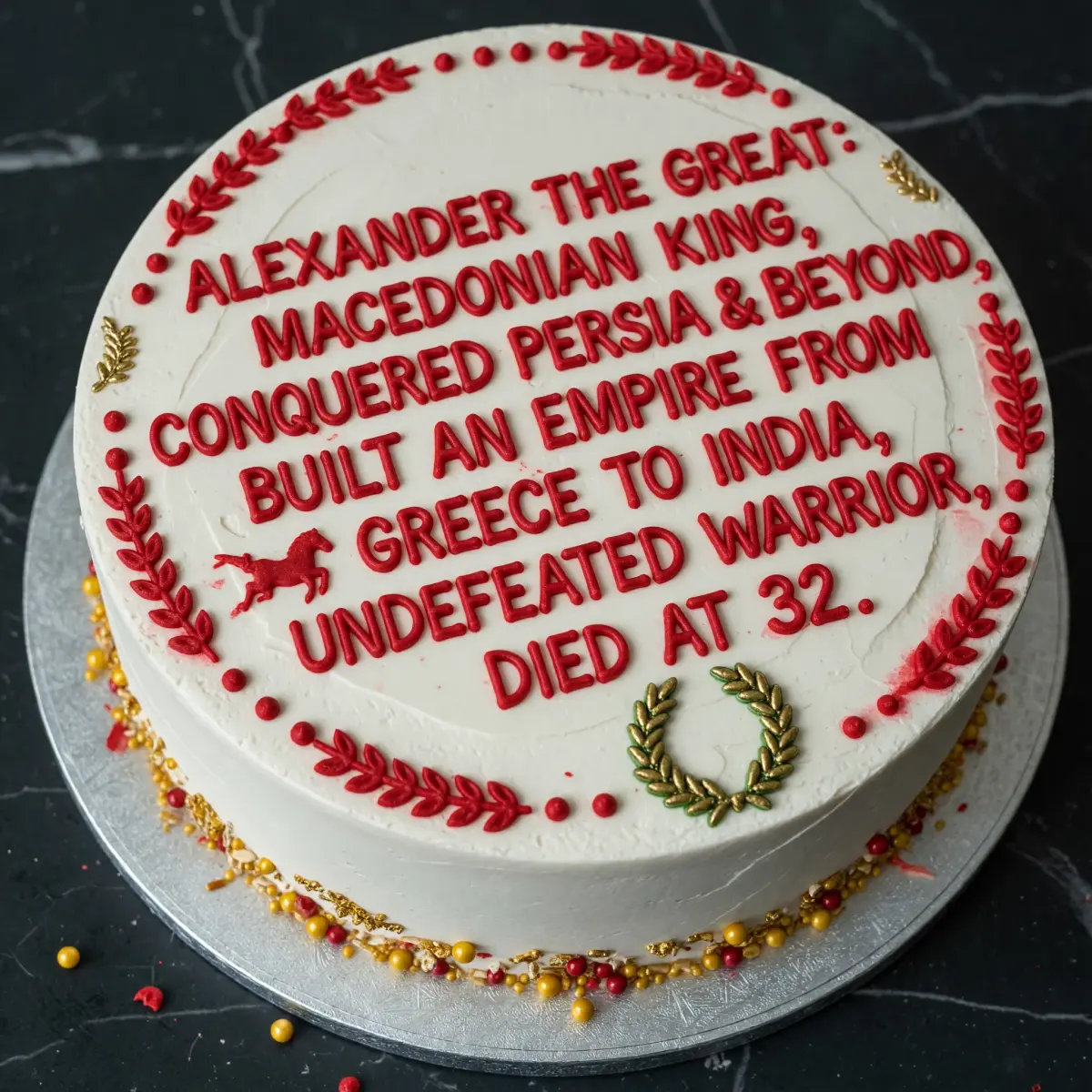
From cinematic scenes to UI-style icons, Quality Mode can create any style.
Prompt
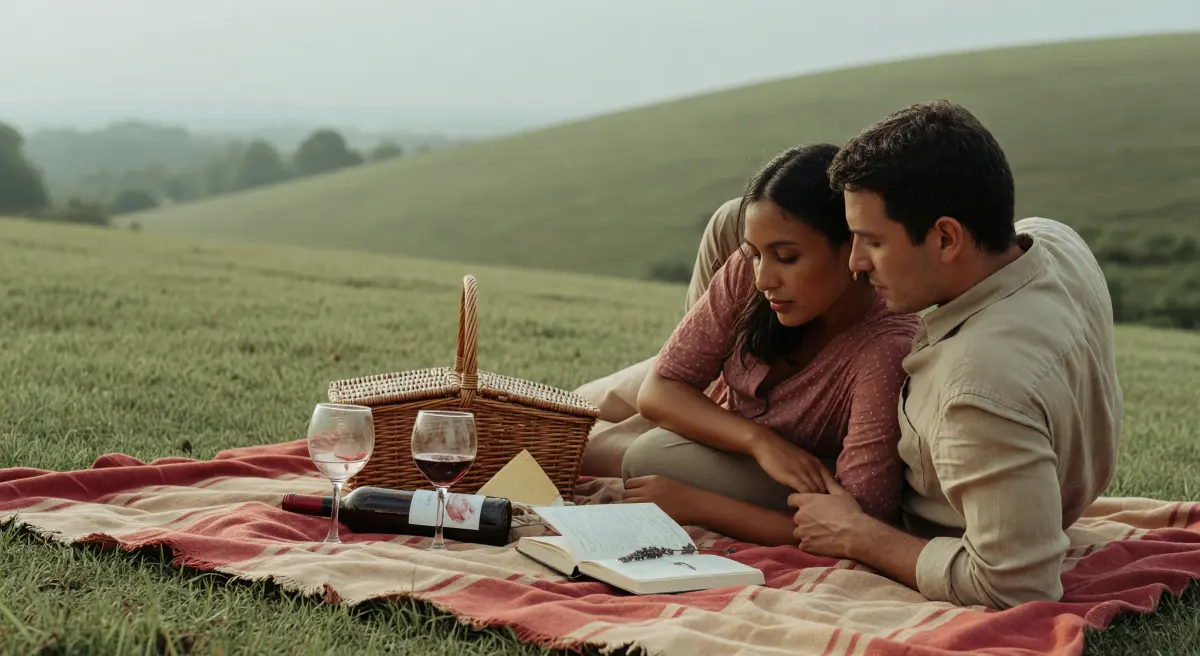
Cinematic shot of a couple on a picnic blanket in soft muted red and beige tones on hill, a picnic basket, wine, two glasses and book, soft diffused natural daylight, muted desaturated sage green and warm earth tone palette, gentle film grain, atmospheric haze, serene pastoral atmosphere, natural skin textures, intimate close-up or wide scenic composition, warm skin tones against cool backgrounds, contemplative mood
Output
Pairing our latest image model with our video capabilities creates endless possibilities for brands: social media video assets, product showcasing, ads and more.
Prompt
Quality Mode enhances video generation—sample motion output for social assets, product showcases, and ads.
Output
Describe the subject, style, background, lighting, and mood. Upload an existing image if you want to edit or restyle it.
Choose resolution, aspect ratio, and JPEG or PNG output. Review the displayed credits before generating. This form produces images, not a written image-analysis report.
Review the result, adjust your prompt, create more versions, and choose the best image. Use your final Grok Imagine Quality visual for ads, social media, websites, ecommerce, blogs, or presentations.
Highlights from the community, all generated with Grok Imagine Quality—browse for ideas across styles and subjects.