Grok Imagine Video 1.5

Grok Imagine Video 1.5 AI Video Generator

Grok Imagine Video 1.5 turns text, images, or reference frames into short AI videos with prompt-guided motion and native audio. Generate creator-ready clips for social shorts, product teasers, and concept tests.

Duration5s
1s15s

Grok Imagine 1.5 on this website

This page documents the 1.5 option configured in our generator. Grok Imagine AI is an independent service. The controls below describe this website’s integration, not an announcement of model availability on other services.

Inputs and resolution

Choose Text, Image, or Reference mode. Text mode offers 480p, 720p, and 1080p; image and reference modes offer 480p or 720p. The form supports clips from 1 to 15 seconds. Use the available form controls as the source for your request.
How the displayed credits are calculated

The rate is 2 credits per second at 480p, 4 at 720p, and 7 at 1080p. Reference mode adds 1 credit when at least one reference is supplied. For example, 5 seconds at 720p is 20 credits, or 21 with references. Check the final amount before generation.

Audio, continuity, and output limits

Describe desired dialogue, ambience, or music in the prompt. Check the resulting audio and motion before publishing: exact speech, identity, readable text, and frame-to-frame continuity are not guaranteed. A failed download should be retried from the existing task rather than by creating a new paid request.

Explore

Grok Imagine Video 1.5 examples in motion

Browse real sample clips for the 1.5 workflow. Use them to compare framing, subject motion, scene rhythm, and prompt direction before generating your own video.

Key Features

Why creators use Grok Imagine Video 1.5

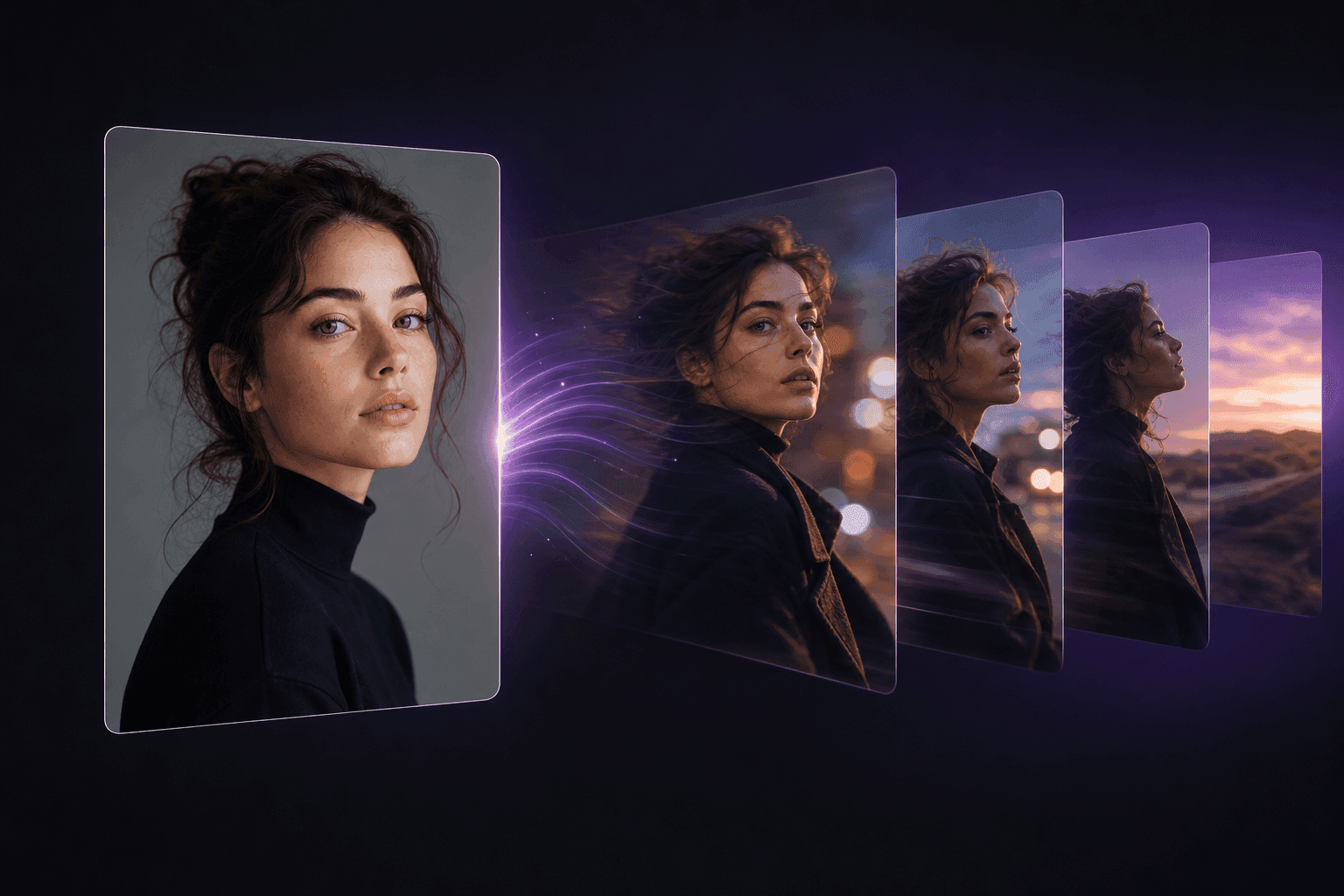
Grok imagine video 1.5 is designed for short, controlled image-to-video generation. It gives creators a direct path from one strong source image to a moving scene.

Still image transforming into AI-generated video motion

Image-to-video built for 1.5

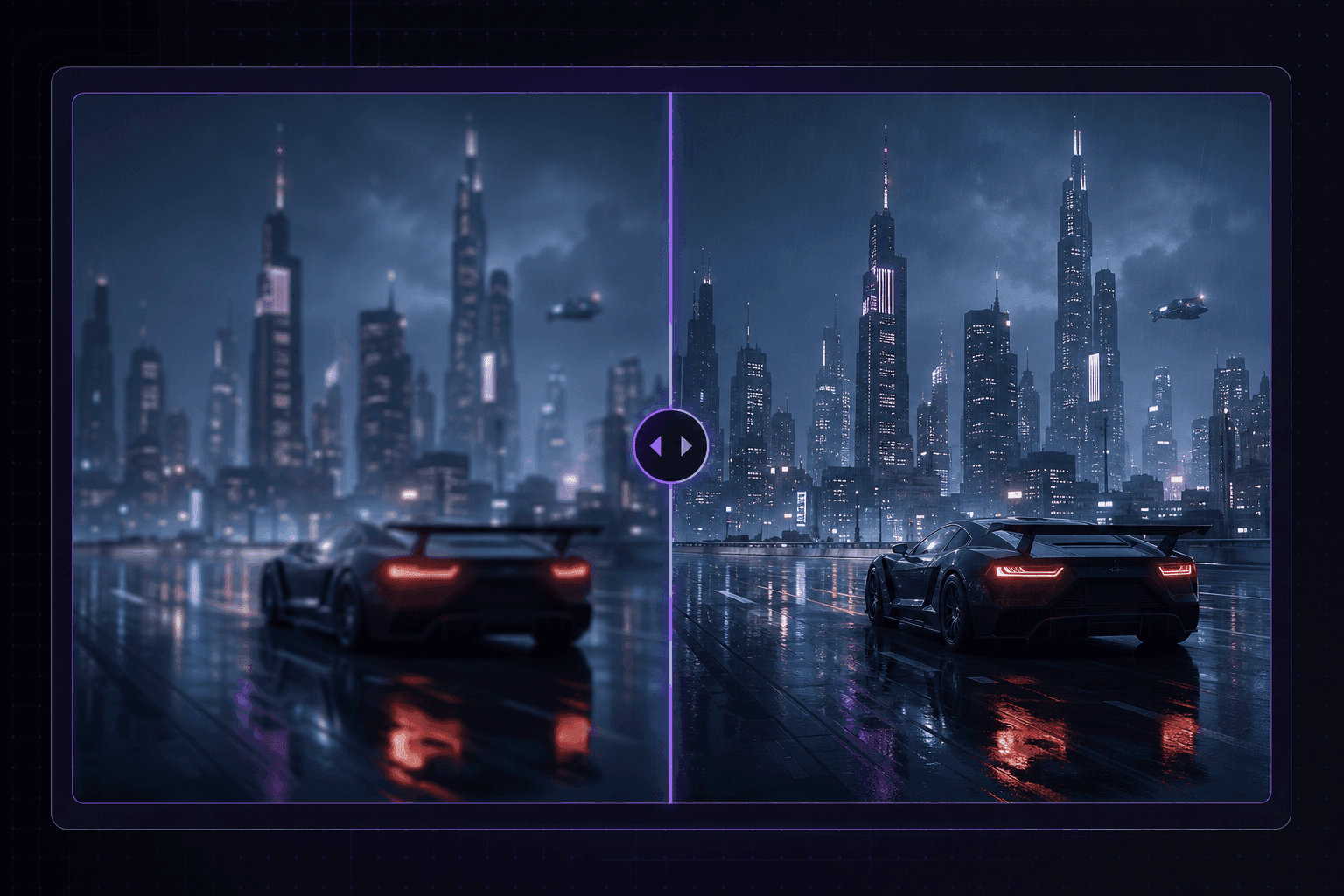
Grok Imagine Video 1.5 starts from your uploaded frame and animates it into a short sequence. The source image gives the model a clear subject, composition, and style anchor, while your prompt controls motion, atmosphere, and camera behavior.

Prompt-guided camera motion for AI video generation

Prompt-guided motion

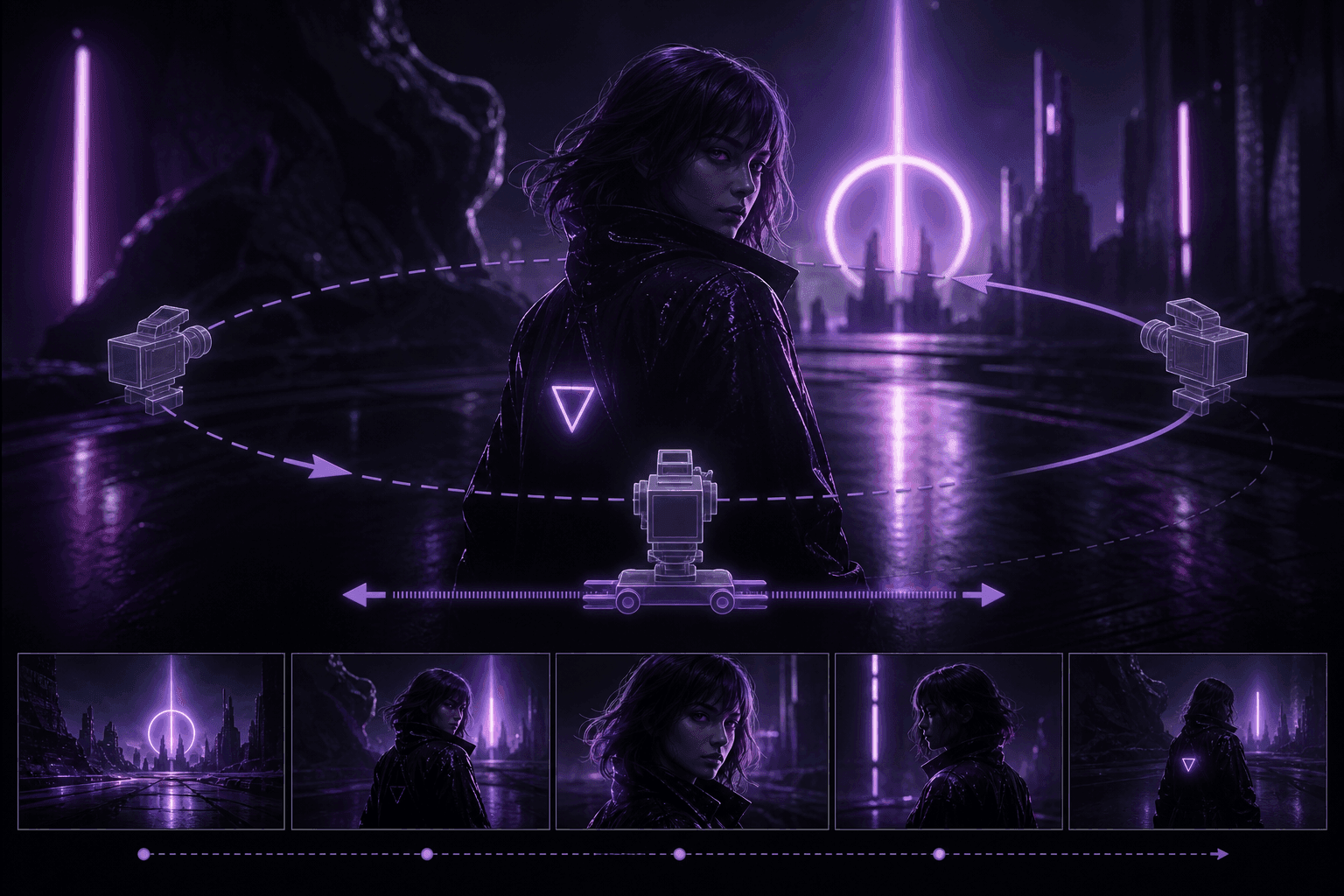
Use natural language to describe a dolly push, handheld shot, slow turn, product reveal, or character movement. The model works best when the prompt names the subject, action, lighting, camera direction, and mood.

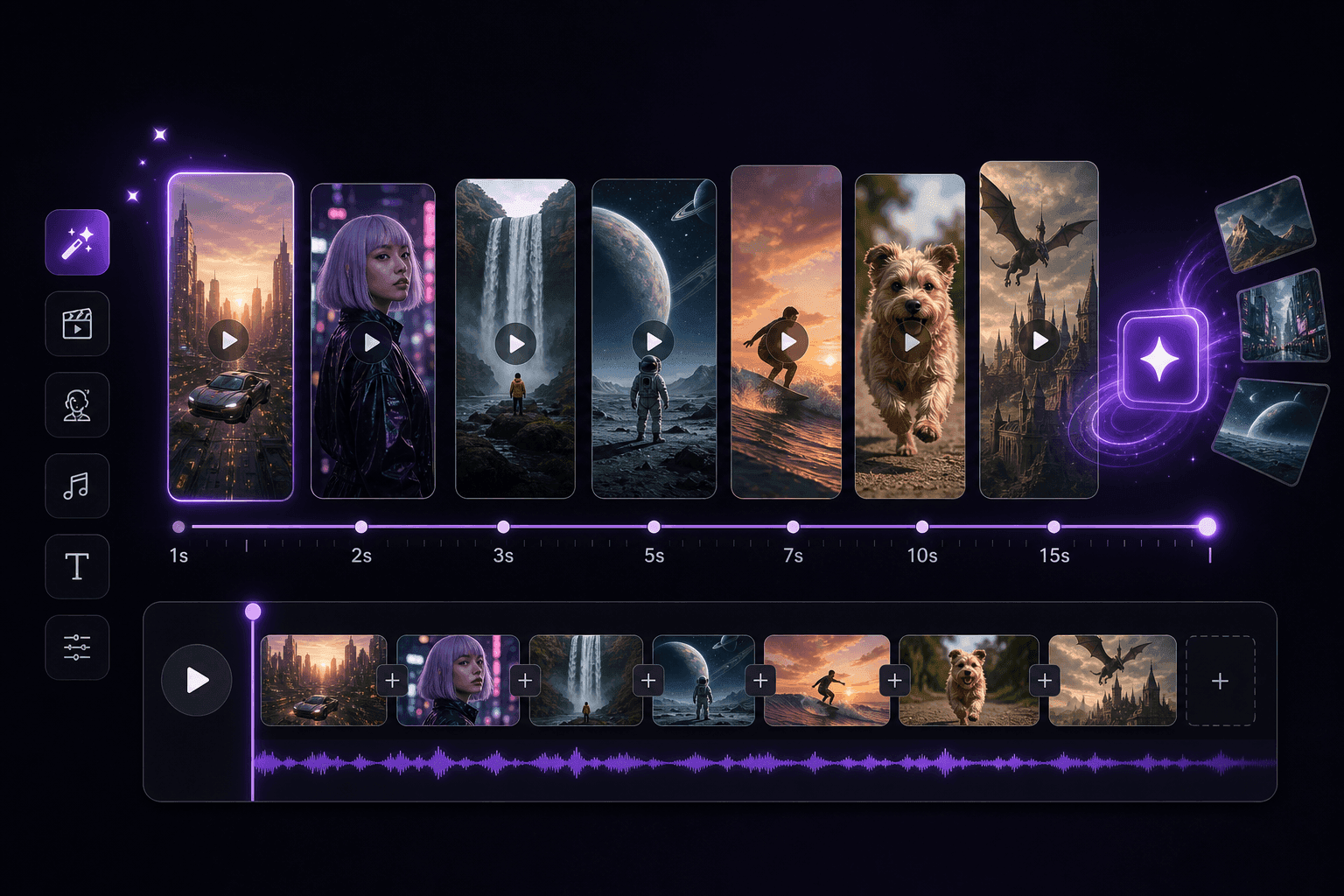
Flexible 1 to 15 second AI video duration control

Flexible clip length

Choose any duration from 1 to 15 seconds to match your use case. Short clips work for thumbnails and ads, while longer takes give room for a full action beat in reels, previews, and social posts.

480p and 720p AI video resolution options

Mode-specific resolution

Image and reference inputs support 480p or 720p. Text-to-video also offers 1080p. Higher resolutions use more credits; review the cost in the tool.

Creator-ready scenes from portraits products and concept art

Creator-ready scenes

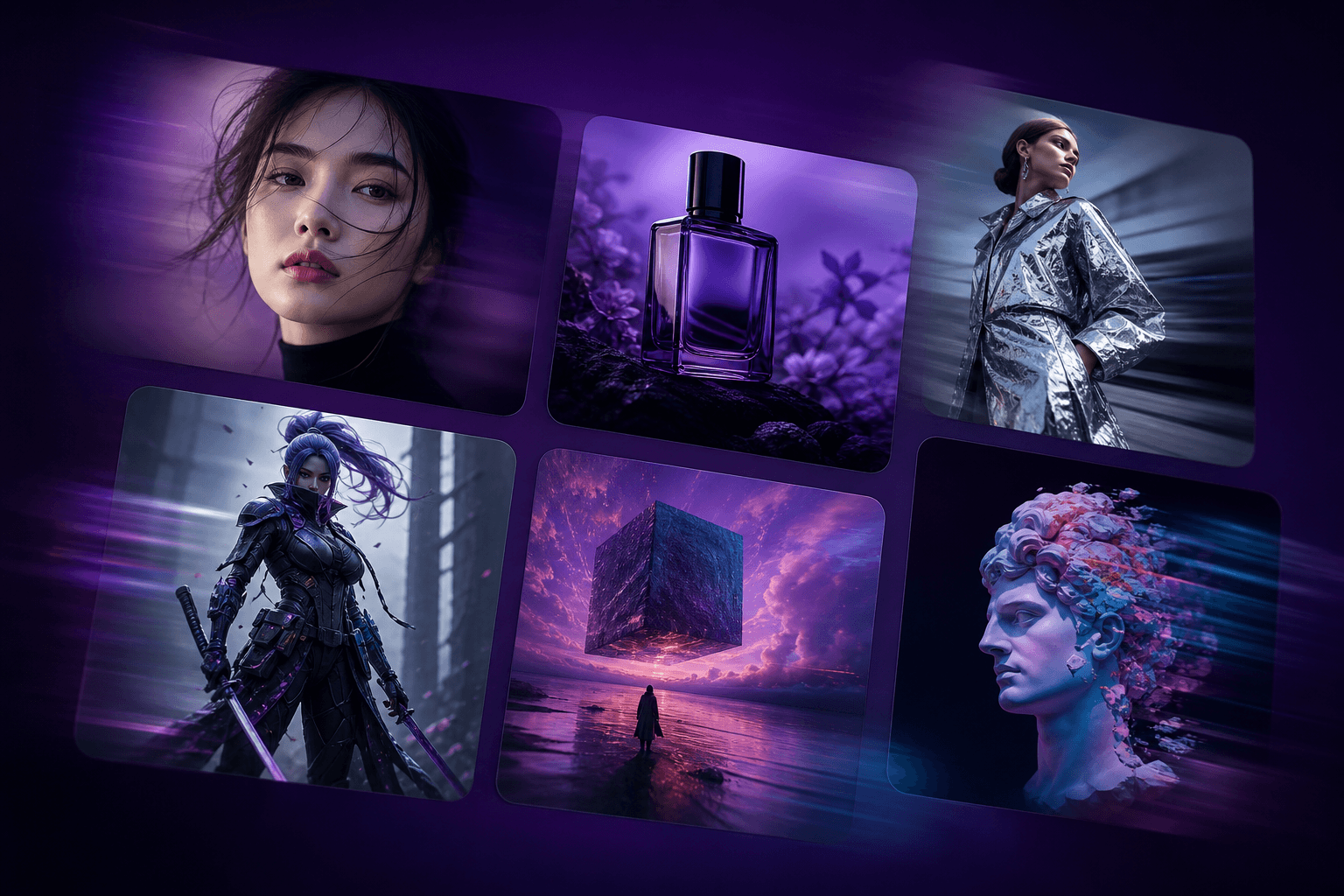
Turn still portraits, products, game concepts, illustrations, fashion shots, and surreal frames into motion. Grok Imagine Video 1.5 is useful for mood boards, reels, pitch visuals, and campaign drafts.

Grok Imagine Video 1.5 output with a native audio track

Native audio output

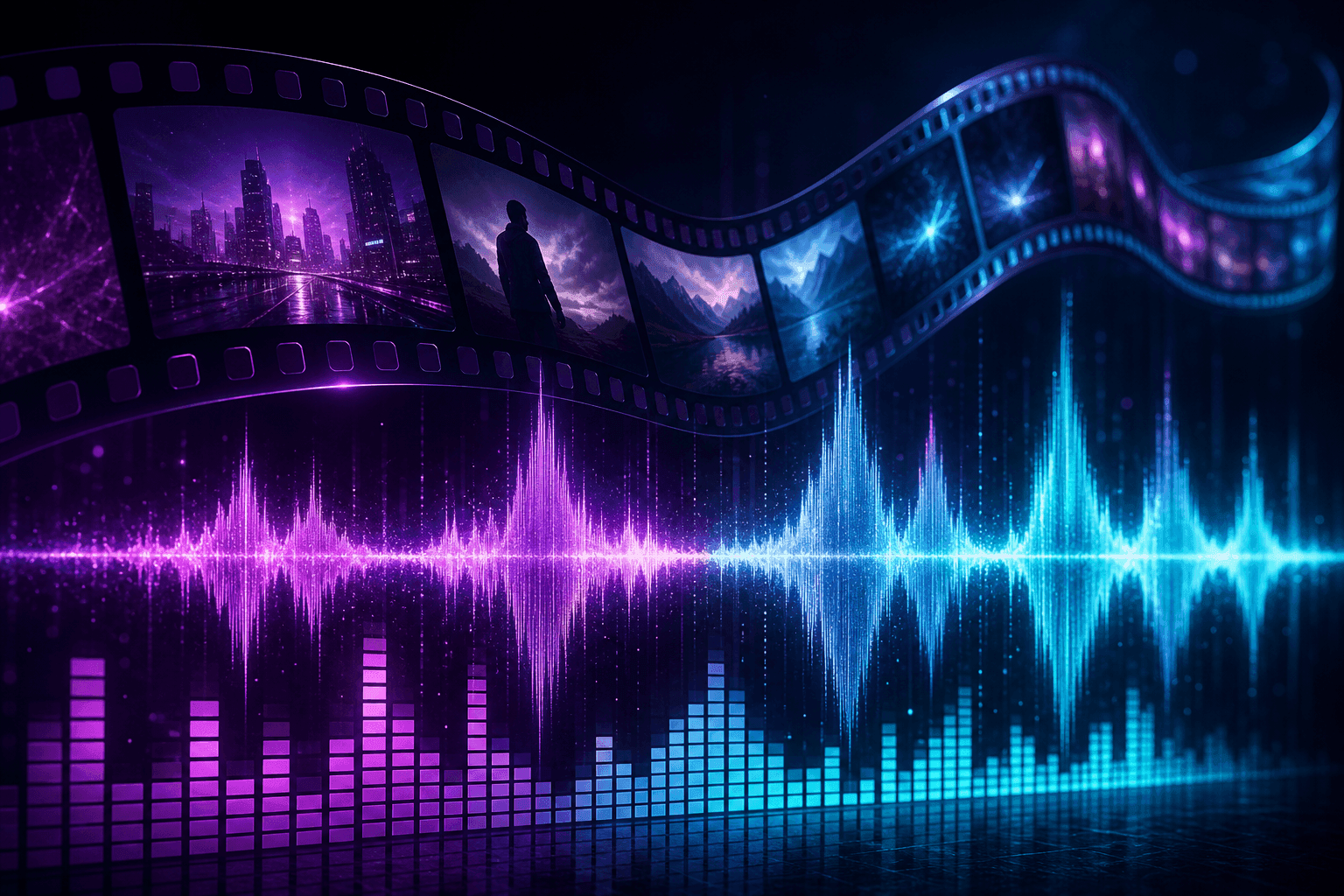
Generated videos include an audio track that can contain ambient sound, dialogue, music, or sound effects. Preview both the picture and audio before publishing because the generated details can vary.

How to Use

Create with Grok Imagine Video 1.5 in four steps

1

Choose your input

Start from text, upload a starting image, or select reference mode. Describe the subject and movement you want.

2

Write a motion prompt

Describe what should move, how the camera behaves, and what the scene should feel like. A useful prompt includes action, lighting, pace, background, and mood.

3

Pick output settings

Choose a duration from 1 to 15 seconds. Select 480p or 720p for image inputs; text-to-video also offers 1080p. Review the credit cost before generating.

4

Generate and download

Start the task, wait for the result, then preview the motion and generated audio before downloading the MP4. Use the clip in reels, storyboards, landing pages, pitch decks, or ad concepts.

FAQ

Grok Imagine Video 1.5 FAQ

Grok Imagine Video 1.5 is offered through Grok Imagine AI, an independent third-party platform. The tool supports text prompts, a starting image, or reference images.

Yes. Choose text-to-video, enter a prompt, and select the available output settings.

Use a starting image to animate a frame, or choose reference mode to guide the video with uploaded images. Follow the upload limits shown in the tool.

Choose a duration from 1 to 15 seconds. Text-to-video offers 480p, 720p, and 1080p; image and reference workflows offer 480p or 720p.

Describe the subject, action, camera movement, lighting, and mood. Review the output and revise your prompt as needed; exact adherence is not guaranteed.

When generation completes, preview the video with its audio track, then open or download the MP4. Review both the picture and sound before publishing.

Yes. Generated videos include an audio track that can contain ambient sound, dialogue, music, or sound effects. The exact audio depends on the prompt and generated result, so preview it before publishing.

Credits depend on duration, resolution, and the input mode. Review the amount shown in the tool before generating. Processing time varies with service load.