Native Multimodal Understanding and Generation
Work with text, images, audio, and video in one flow. A visual reference, written direction, and sound idea can support the same scene instead of becoming separate projects.
Text · Image · Audio · Video
Combine a written idea with image, audio, and video references in one pass. MiniMax H3 keeps picture, sound, motion, and story in the same creative context.
MiniMax H3 multimodal preview
768p / 2K · 4–15s · text, image, audio, video
MiniMax H3 is a general-purpose multimodal generation model. It reads creative context across text, images, audio, and video, then uses that context to generate and refine video.
The MiniMax H3 AI video generator is built for projects where picture, sound, motion, and story need to work together. Each media type is treated as part of one direction, not as a separate instruction.
Start with a written idea, a visual reference, a sound cue, a video reference, or a useful mix of them. MiniMax H3 keeps that supplied context connected as you develop the result.
Native multimodal generation also changes how you edit. You can describe the visual, sound, or story detail to adjust instead of rebuilding the concept across separate models.
MiniMax H3 keeps the main parts of a video project in the same creative context, so the path from first idea to a refined clip stays clearer.
Work with text, images, audio, and video in one flow. A visual reference, written direction, and sound idea can support the same scene instead of becoming separate projects.
Refine visual details, sound, and story choices with direct instructions. Focus on the part that needs attention while the broader creative direction stays in view.
Treat audio as a creative input, not an afterthought. MiniMax H3 can consider sound alongside motion and imagery when atmosphere, timing, and storytelling depend on both.
Use MiniMax H3 for film, advertising, branding, ecommerce, gaming, and other content workflows. One model covers concept exploration, visual development, and production-focused creation.
See how one multimodal idea can become several production directions, from story-led scenes to product visuals and game concepts.
Start with the materials that best express your idea, generate the first result, then share or download the video that carries the story.
Write a prompt and include the relevant text, image, audio, or video references. Explain how the materials relate instead of listing disconnected details.
Ask MiniMax H3 to turn that direction into a video. Review how the visuals, sound, motion, and story work together before deciding what to change.
When the output matches your goal, download the video or share it with your team. Keep refining with focused feedback when another pass is needed.
MiniMax H3 supports projects that need coordinated visuals, sound, and story—from early creative exploration to assets made for a campaign or production.
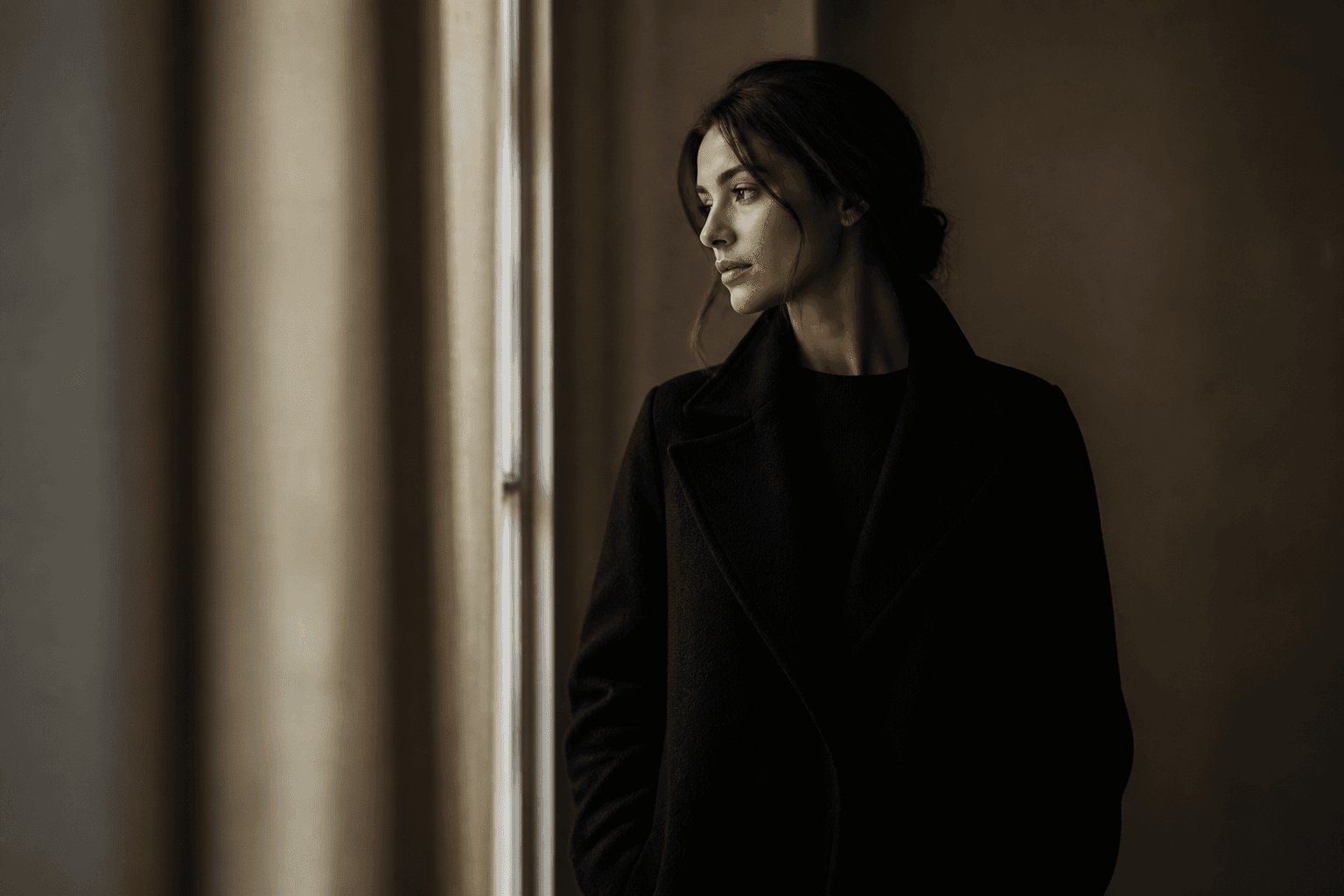
Explore scenes, mood, movement, and sound from a shared creative brief. Directors and visual storytellers can test an idea before committing to a larger production process.

Create campaign concepts where product visuals, pacing, and audio follow one direction. Brand and advertising teams can explore and refine an idea in the same model.

Turn product references and written direction into motion-led content for product pages and campaigns. Connect the product look, scene context, and sound in one presentation.
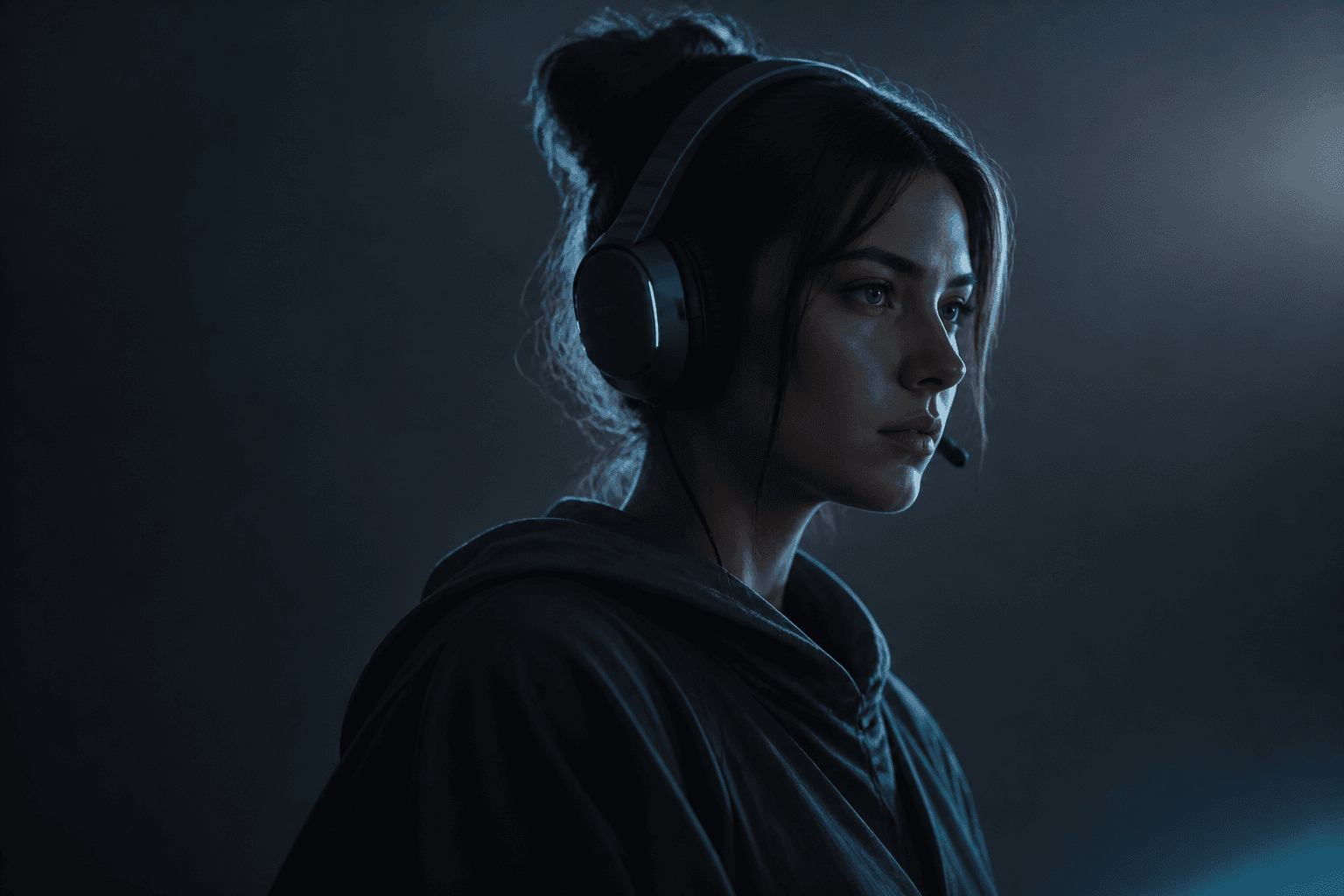
Explore characters, locations, movement, atmosphere, and audio as related parts of the same world. Useful for concept videos, narrative moments, and visual tests.
Compare MiniMax H3 with other AI video models by looking at the kinds of creative context they understand, generate, and let you refine.
| Capability | MiniMax H3 | Other AI video models |
|---|---|---|
| Multimodal context | Understands text, images, audio, and video within a unified creative context | Check which input types each model supports and whether they can inform one another |
| Generation scope | Connects multimodal understanding with video generation | Check whether the model combines multimodal understanding and generation |
| Editing control | Supports precise refinement of visuals, sound, and story details | Check whether editing covers visuals, sound, and story rather than generation alone |
| Production uses | Built for film, advertising, branding, ecommerce, gaming, and more | Match the model's documented use cases to your production goal |
MiniMax H3 brings native multimodal understanding, generation, and editing into the same model. When comparing it with other options, check whether each one supports the media types, editing depth, and production use your project requires.
Choose MiniMax H3 when your video idea depends on more than a single text prompt and you want the main creative materials to inform one another.
MiniMax H3 treats text, images, audio, and video as related context. You can communicate more of the intended scene without reducing everything to words alone.
The model supports direction that reaches beyond visual generation. Focus your feedback on the picture, sound, or story detail that needs another pass.
MiniMax H3 is designed for film, ads, brand work, ecommerce, games, and more. Its connected multimodal approach makes complex creative direction easier to express and refine.
Answers about MiniMax H3 inputs, editing, resolutions, audio, and production use.
MiniMax H3 is a general-purpose multimodal generation model. It understands context across text, images, audio, and video, then uses that context for video generation and refinement.
The model is built around text, image, audio, and video context. Use the available input types to express the scene, sound, style, or story you want.
Yes. Precise multimodal editing and control are core MiniMax H3 features. You can direct changes to visuals, sound, and story details instead of treating every part as an unrelated task.
It is designed for creative work across film, advertising, branding, ecommerce, gaming, and more. It suits creators and teams whose video ideas rely on connected media and clear creative direction.
Select MiniMax H3, provide your prompt and relevant creative references, generate a video, then review and refine it. Keep your instructions specific about the details you want to preserve or change.
MiniMax H3 supports 768p and 2K output. Choose 768p for faster, lower-cost drafts, or 2K when you need higher detail for review and production use.
MiniMax H3 understands audio as part of its unified multimodal context and generation workflow. Use sound direction alongside your visual and story references when audio is important to the result.
MiniMax H3 is designed for production-oriented content creation across film, ads, brands, ecommerce, and games. Teams should still review each output against their creative, legal, and publishing requirements.
Bring your words, visual references, sound ideas, and video context into one creative direction. Generate a MiniMax H3 video and shape the result with focused feedback.
Start with the idea you already have. Add the context that makes it specific, generate your first clip, and refine the details that carry the story.